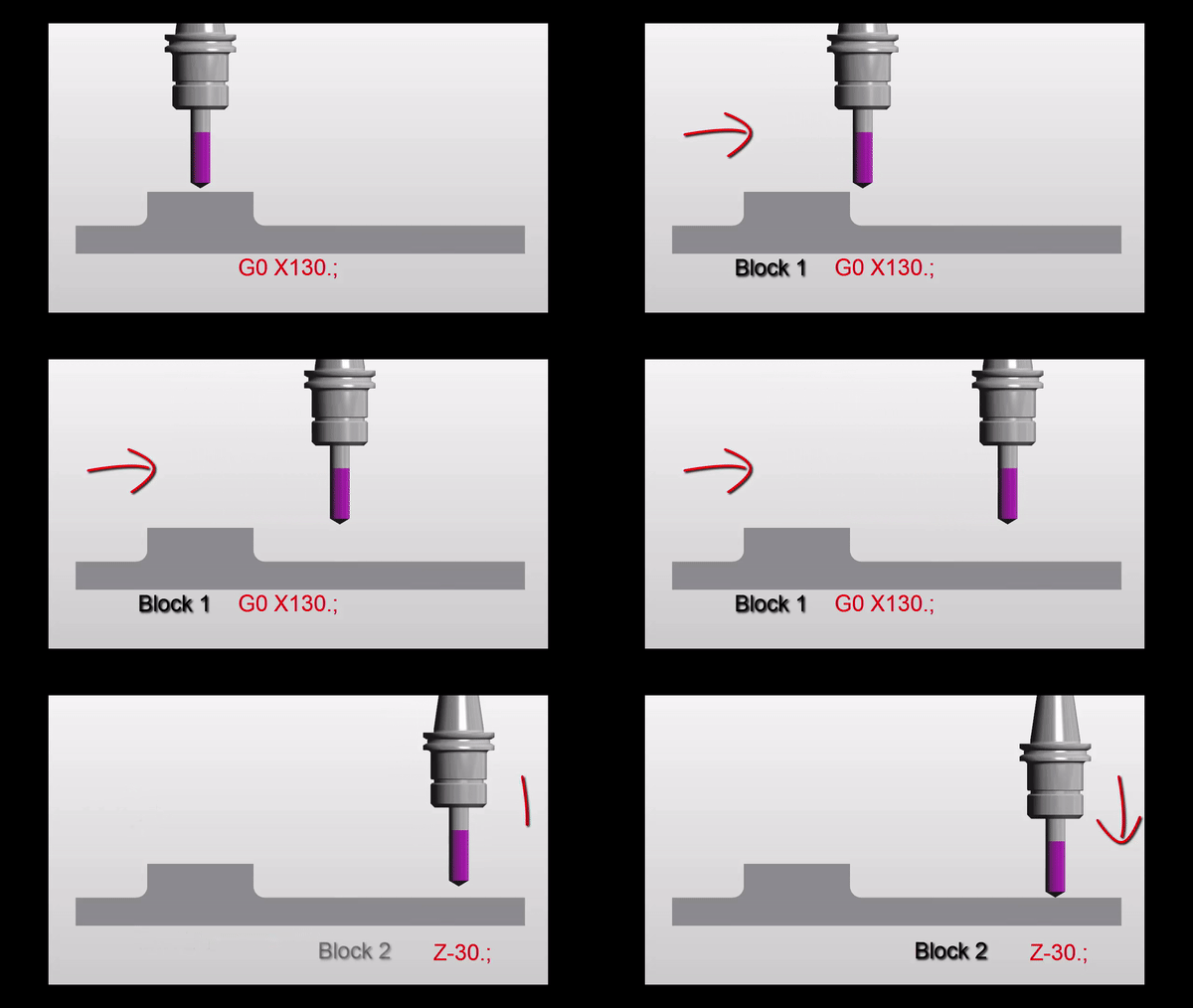
Absolute or Incremental that is the question?
Absolute or Incremental no it’s not a Shakespearean Quote from Hamlet.
Two distinct ways of programming.
Understanding Absolute and Incremental Positioning in G-Code
When diving into the world of G-code, mastering the difference between absolute and incremental positioning can be a game-changer. This knowledge not only enhances your programming skills but also provides strategic flexibility in crafting your creations. By utilising G90 (absolute) and G91 (incremental) commands, you gain control over your machine’s movements, allowing for precision and adaptability in your projects.
We all know Absolute (G90)
You are working from an absolute datum. This means that every position or movement is a measurement from the datum.
It is just like on a drawing where every measurement is from the same datum point.

So no matter what position you move to the movement distance is from the datum. This is called Absolute and you use G90. G90 is modal so the G code stays in until you tell the control otherwise.

But do you understand Incremental (G91)???
Incremental is a bit harder to get your head around.

So this time it’s like every position is measured from where you are. So if the movement is X10. then the machine moves 10mm from where you are in a plus direction.
Here is the same part as above but drawn in a different way.

So each position is measured from the last one. Well that’s how incremental positions work. You just move the incremental distance regardless of where you are.
Absolute or Incremental Why?
Come on you tell me…….
You’ll have to work it out or read right to the end of this article. Oh by the way it’s incredibly boring.
Absolute or Incremental There is More
Absolute is like saying “Go to my house”. My house is in just one place and I only have one. So that is an absolute position.
Now if you were at my house and I said “Go to my house”. Apart from thinking I am a bit daft you wouldn’t move. You’d say “David, I am already at your house, are you OK?”

Well that’s like being in G90 Absolute.
G90 G0 X50. Y50.
X50. Y50.
When the machine gets to the second line, in the above code, it wouldn’t move. It would quite happily accept this line of code. I’m sure somewhere deep in it’s CNC brain it would think you were a bit daft. But they are very polite these CNC guys.
If you were in a canned cycle it would drill another hole in the same place because that is what a canned cycle does. (They repeat each time a position is given)
Ok Now are you ready? The Incremental Bit
So if I said to you “drive 5 miles north”.
Well it rather depends on where you are. You may well arrive at my house (and I would make you a cup of tea). Now if I repeated the command “drive 5 miles north” you wouldn’t stay for another cup of tea. You have another journey to make.
Well that’s like being in G91 Incremental.
G91 G0 X50. Y50.
X50. Y50.
After the second move in the above code you would be at X100. Y100. Each axis moves another 50mm.
The Wait Is Over Read On
Absolute or Incremental, why?
First of all let’s look at the two drawings again.
Why not just read the figures off the drawing? Dead easy. First drawing would suit absolute. Second drawing would suit incremental. Or for some parts it would be a combination of Absolute or Incremental.
If you try to add up the figures on drawing number two you will more than likely make a mistake.
Reading The Program
When you read a CNC program you want the figures you see to be the same as the drawing. That way it’s easy to check and you won’t make so many mistakes.
Don’t forget it might be years later when you next read this program.

So Absolute or Incremental? Well it rather depends.
Here is another example where incremental programming would work well.

The pockets are all the same so you could program one pocket incrementally. Stick it all in a sub program and then just move to an absolute position and call it out.
It would be a bit like having a robot that could dig ten inch diameter holes two foot deep. You just send it anywhere in your garden, it will dig you a hole and you can plant a tree.

I can almost hear the comments on this article. “Oh I’d just use a different datum for each pocket”.
“Incremental no way bloody dangerous”
OK smart arse.
At the CNC Training Centre we like you to learn as much as possible about CNC Programming. Understand all the G codes all the M codes every principle. You end up with a toolbox full of CNC Programming Tools.
Absolute or Incremental Which Tool?

Absolute-or-Incremental Let’s Talk About Safety
When you use G91 Incremental as soon as possible add a G90 to bring the machine back to G90 Absolute.
So for example if you had a sub-program you could try and remember to put G90 in your main program. That is something I would definitely forget to do.
So put it at the end of your sub program. That way every time you come out of your sub program you are back in G90 Absolute.
O500(Drilling Sub-Program)
G91(Incremental)
X50.
X60.
X80.
X10.
X5.
X5.
G90(Absolute)
M99
It’s all about tidying up.

If you leave things lying around anything can happen.
You definitely can have a collision using G91 (Incremental) if you are not careful.
Don’t Be Put Off There’s More
Incremental has some brilliant uses. When drilling holes the same distance apart it can save you a lot of programming time. Oh and it really simplifies things.
When using a canned cycle like G81 you can make repeat moves.
G81 G98 Z-5. R1. F100.
X52.554 L20
G80
This will drill 20 holes 52.554mm apart. Think about adding all these figures up, very prone to mistakes.
But do be careful, if you get a figure wrong you can get a cumulative error. “Cumulative error” Sorry I promised not to fuckin swear.
Come on you G91 deniers it does exist and it can work.
Advantages
- You can program exactly what is on the drawing.
- No need to add up figures.
- Repeat holes are dead easy.
- Features that repeat can be placed in a sub program and used at any absolute position.
- Less errors because you don’t need to add up the figures.
- When you later read your program the figures look like the ones on the drawing.
- Great for using sub-programs.
- It can help you lose weight as part of a calorie controlled diet.
Understanding these concepts is like adding a powerful weapon to your G-code arsenal, enhancing both precision and efficiency.
Whether you’re executing complex designs or simply looking to streamline your process, this foundational knowledge ensures your commands translate perfectly from paper to product.
Disadvantages
- If you make a mistake then the errors will add up.
- Can cause collisions if used incorrectly.
- People don’t like it and are frightened of it.

How does understanding absolute and incremental positioning affect flexibility in G-code programming?
By mastering the use of G90 and G91 commands, you gain the ability to switch between absolute and incremental positioning, thereby increasing your programming flexibility.
2. Why is understanding the difference between absolute and incremental positioning important?
Grasping these concepts is crucial because it equips you with a significant advantage in G-code programming, enhancing your ability to execute precise and efficient commands.
Absolute-or-Incremental Remember This
- Change back to Absolute G90 straight after use.
- Make sure the figures you input are accurate.
- Standardise your code (Read This).
- After each tool change make sure you have a G90.
- When you are proving out look at position display to check how figures add up.
Thanks For Reading
Don’t forget there’s loads more folks.
And a YouTube channel
Learn CNC Programming
Services offered at CNC Training Centre
Edgecam training.
Classroom programmer training.
Onsite CNC Machine Training.
CNC Training on all controls and machines.
Mazak Training Fanuc Training
Don’t forget we offer training on all types of Mazak Machines and all Fanuc Controls 6m to 31i Oi old to young.