CNC Turning Course

Category : Courses New Stuff

CNC Turning Course at The CNC Training Centre

CNC Turning Course

Looking to master CNC turning and advance your machining career?

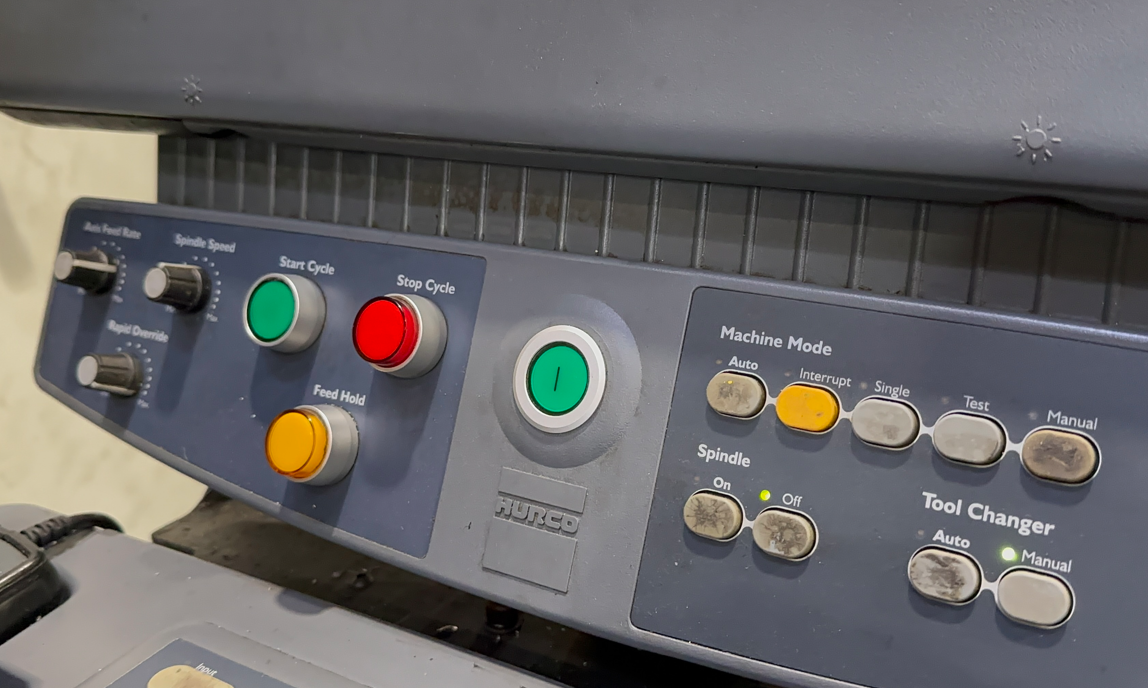
This CNC Turning Course at The CNC Training Centre provides hands-on training with real lifelike CNC lathes with highly realistic simulators

You will gain the skills needed to operate, program, and set CNC turning machines with confidence.

Why Choose Our CNC Turning Course?

1. Practical Training on Real Life CNC Lathes simulators

You’ll learn how to set up, operate, and run machines just as you would in a real manufacturing environment.

2. Advanced CNC Simulators for Risk-Free Learning

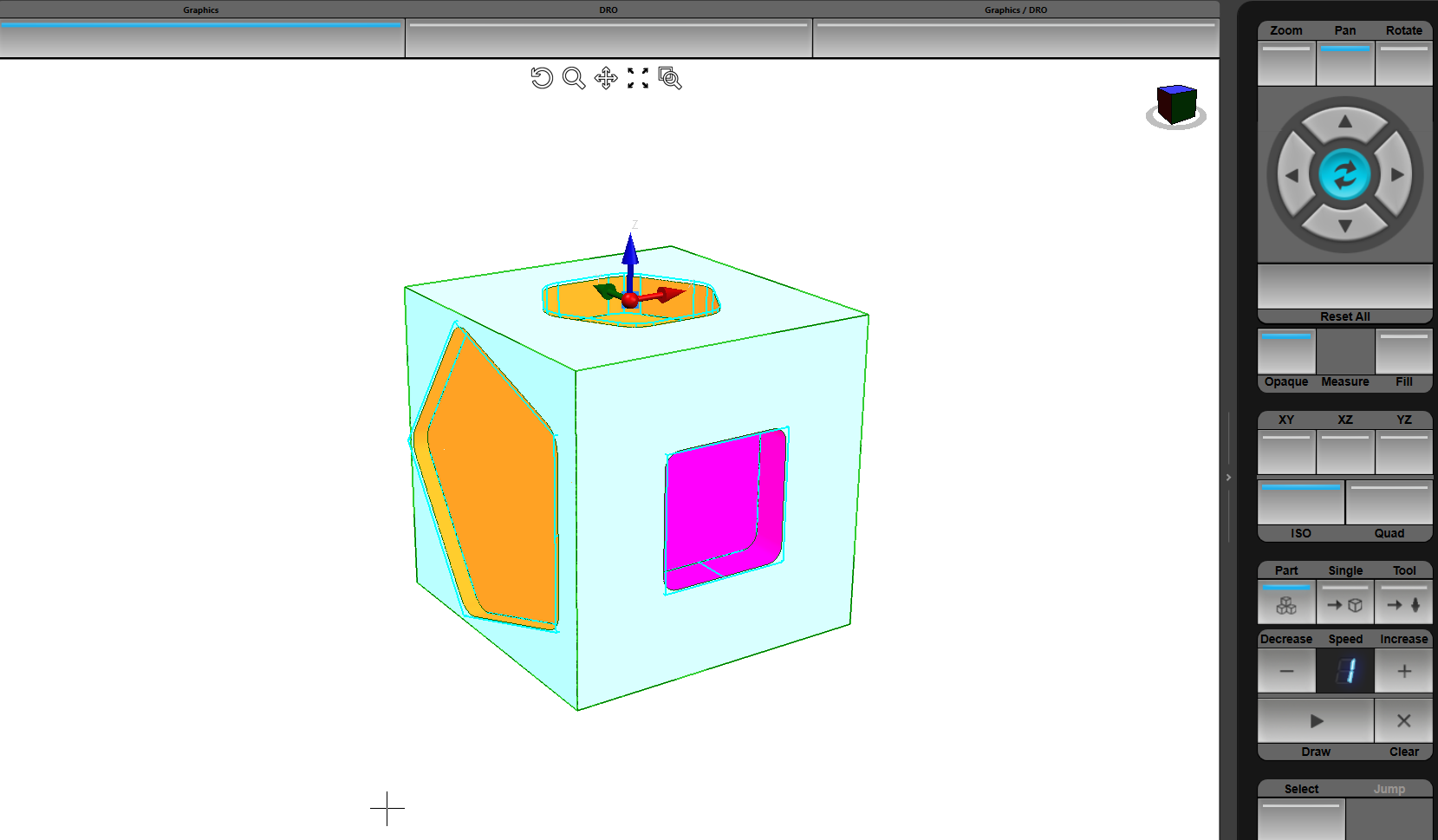
Before working on the actual lathes, students get to practice on state-of-the-art CNC simulators. These accurately replicate machine behaviour.

This allows learners to experiment with programming and machining techniques.

There’s no risk of damaging equipment. You can build confidence before transitioning to the real machines.

3. Comprehensive, Industry-Focused Curriculum

This CNC turning course covers all essential aspects of CNC lathe operation, including:

•CNC Lathe Fundamentals – Understanding machine components, tooling, and safety procedures.

•G-Code & M-Code Programming – Writing, editing, and optimising CNC programs for turning operations.

•Tool Selection & Work holding – Choosing the right cutting tools and securing materials properly.

•Precision Machining & Quality Control – Ensuring high accuracy and surface finish in machining operations.

•Machine Setup & Troubleshooting – Practical training in setting up CNC lathes and diagnosing common issues.

CNC Turning Course

4. Expert Instructor with over 30 years of Real-World Experience

Instructor experienced in CNC machining, providing personalised guidance, ensuring that each student gains the practical knowledge required for success in the field.

5. Industry-Recognized Certification

CNC Training Centre is known all over the UK so your certificate of completion has real value.

No More Broken Tools

CNC Turning Course


Increasing employability in industries such as aerospace, automotive, medical device manufacturing, and more.

See what people say.
CNC Training Centre Reviews


Who Should Enrol?

The CNC turning course is perfect for:

•Individuals new to CNC machining who want to build a career.

•Manual lathe operators looking to transition to CNC technology.

•Machinists who want to enhance their CNC turning skills.

•Engineers and designers


Enrol Today!

Centre, the courses provide the perfect balance of theoretical knowledge and hands-on training with real machines and simulators.

For more information or to enrol, contact us:

Contact CNC Training Centre

CNC Operator Course – The Fast Track to a High-Demand Career

Category : New Stuff

CNC Operator Course – Get Job-Ready in Just 2 Days

Looking to start a career in CNC machining? Our CNC Operator Course is the fastest way to gain real skills, hands-on experience, and a foot in the door with top engineering employers.


Why Choose a CNC Operator Course?

CNC (Computer Numerical Control) operators are in high demand across the UK in industries like aerospace, automotive, medical, and precision engineering.

By completing a CNC operator course, you’ll gain:

✅ Real workshop experience on CNC lathes and milling machines
✅ A strong understanding of G-code and CNC programs
✅ Confidence to work independently on the shop floor

Whether you’re new to the field or already working in engineering, this course gives you the skills that employers are looking for — fast.

CNC Operator Course


‍ Hands-On Training with Realistic CNC Simulators

Unlike many training centres, we don’t just teach theory.

Course Highlights:

  • Intensive 2 or 3 day CNC operator training

  • Beginner-friendly, no experience required

  • Introduction to G-code and machine controls
  • Certificate of completion


Who Is This Course For?

This CNC operator course is perfect for:

  • School leavers or college students looking for a skilled trade

  • Engineers and apprentices looking to upskill

  • Adults making a career change

  • Employers training new or existing staff

No prior CNC experience needed — just a willingness to learn.


Why Train with CNC Training Centre?

With 30+ years in engineering and training, we’ve helped thousands of people start successful CNC careers.

✨ What sets us apart:

  • Based in Barwell Leicestershire with realistic simulators

  • Small class sizes for focused learning

  • Trainers with decades of real-world experience

  • Advanced courses also available (Edgecam, 5-axis, mill-turn)

“Read More”

CNC Machine Operation

Category : New Stuff

CNC Machine Operation: A Comprehensive Guide

CNC (Computer Numerical Control) machine operation is a crucial skill in modern manufacturing.

It allows for precise and automated production of complex components.

Whether you are new to CNC machining or looking to refine your skills, understanding the fundamentals of CNC machine operation is essential.

Onsite Training Enquiry

Classroom courses


Ring David: 07834 858 407

What is CNC Machine Operation?

CNC machine operation involves controlling CNC equipment to cut, drill, mill, and shape materials, mainly  metals.

Also plastics, and many other materials can be machined.

The process is guided by computer-generated instructions, commonly referred to as G-code and M-code

These codes direct the machine’s movements and actions with exteme accuracy.

Key Components of CNC Machine Operation

  1. Understanding G-Code and M-Code
    • The G-codes controls the movements and functions of the machine (e.g., positioning and cutting).
    • The M-codes handle auxiliary on off functions like coolant control and tool changes.
  2. Machine Setup
    • Loading setting and securing the workpiece to be made.
    • Installing and measuring the cutting tools.
    • Setting machines datum coordinates.
  3. Tool path Programming
    • Sometimes using CAD/CAM software to design and generate tool paths.
    • Optimising cutting speeds and feed rates for efficiency.
  4. Operating the CNC Machine
    • Running simulations with graphics to verify the program before execution.
    • Program test and prove out.
    • Executing machining operations while monitoring tool performance.
    • Adjusting offsets as needed for optimal results.
    • Monitoring tool life and wear.

“Read More”

CNC Machine Courses

Category : New Stuff

Learn CNC Programming & Machining

CNC Machine Courses, are you looking to enhance your skills in CNC machining?

These CNC machine courses are designed for both beginners and experienced machinists. Students who want to master CNC programming, setting and operating techniques.

CNC Machine Courses

With hands-on training using real CNC machines, the courses provide the knowledge and practical experience needed to succeed in the industry.

CNC Turning Course

Why Take a CNC Machine Course?

CNC (Computer Numerical Control) machining is a crucial skill in industries like aerospace, automotive, and medical manufacturing. By learning CNC programming and machine operation, you can:

•Boost your career opportunities in precision engineering.

•Improve your machining skills for better efficiency and accuracy.

•Stay competitive in an evolving manufacturing industry.

What You Will Learn in Our CNC Machine Courses

Our courses are designed to be practical and industry-relevant, covering:

✅ CNC Programming: Learn G-code and M-code to control CNC machines.

✅ CNC Milling & Turning: Hands-on operating real CNC machines.

✅ Advanced Mill-Turn Techniques: Learn multi-axis machining for complex parts.

✅ CAM Software Training: Learn to use Edgecam software for CNC programming.

✅ Precision Measurement: We offer CMM (Coordinate Measuring Machines) training too.

Course Details

Location: Barwell, Leicestershire, UK

Duration: 2 or 3 day course

Skill Level: Beginner to advanced

Price: Two days £600 plus VAT  Three days £900 plus VAT

“Read More”

Fanuc Parameters 3101 Clear Buffer

Category : Fanuc Parameters

Fanuc Parameters 3101 Clear Buffer

Fanuc Parameters, does it really annoy you when you swap screens on your Fanuc control and you loose whatever you just typed in?

Well it’s OK, no more sleepless nights. It doesn’t have to be that way thanks to Parameter 3101

Bits n Bobs

When counting the bits in parameters you count from right to left so the first one on the right is bit 0 or sometimes known as #0

Messing With Fanuc Parameters Can Be Fatal!!!!!

To change a Fanuc Parameter you need to go to the setting screen in MDI. Now put a 1 in the parameter write box.


Now We Can Get This Party Started

This is how Parameter 3101 looks in the Fanuc Manual

Fanuc Parameters

It’s Fanuc Parameters 3101 bit 1

When this is a zero. If you change screens your code is lost.

Fanuc Parameter

Now here’s one I prepared before the show

Vegan Homemade Portabello Mushroom Black Bean Burger with Fries

This is how it works when you change the Fanuc Parameters 3101 to 1

Fanuc Parameter

The Dreaded Options Fanuc Parameters

I once bought a new car and naively thought it would be just like the one I saw advertised on the telly.

On some cars everything is a fuckin option. Well unfortunately it can be a bit like that with CNC controls.

It’s not all doom and gloom, a lot of the things you can’t get the control to do are just settings and parameters.

Keep reading my articles and you’ll find out what they are.

All this boring shit really does have a point to it.

If you have a lot of similar controls in your company it’s a good idea to try n set them all up the same way.

Don’t get me started on Haas.

OK You Started It

In my opinion by far the greatest thing about a Haas control is the program restart.

Guess what: most people have it turned off. I would liken it to switching off your central heating in the winter and making a fire with some sticks in the middle of the room.

You can restart anywhere in the program and the machine magically gets its digital shit together.

It gets the right tool, sorts out all the M codes, just about everything. Try it today it’s amazing.

Setting 36 Turns it On

Other Parameters Of Interest


1300 Stops over travel alarm

1401 Cutting Feed-Rate 0% stops movement of machine

3101 Clear Screen

3102 Unlock Programs

3203 Clear MDI Screen

3204 Unlock Program 9000 to 9999 and 8000 to 8999 to Edit

3291 Wear Offset requires Key to Adjust

3401 Calculator Type Decimal Point or Integer

3402 G Codes that are Active When The machine is Turned On

5003 Retain Geometry when you Press Reset

6005 Allows the Use of Local Subroutines (Newer Control)

6050-6059  Allows you to Call a 9000 series Program with a G Code

6080-6089 Allows you to Call a 9000 series Program with An M Code

8134 3453 allows you to use ,R and ,C (Rads and Chamfers)

That’s it away you go.

Oh just one other thing before you go off and cripple your machine forever.

Do yourself a favour take a picture of the screen before you change a parameter.

If you aint got a camera then you must have a piece of paper.

Even better back everything up.

Thanks

If you have been affected by any of the issues in this post or need CNC Counselling then contact me.

Or call us

If you want to learn to program CNC Milling Machines

Look no further Contact CNC Training Centre


Careers in CNC

View all current vacancies in CNC

Click here

Call David: 07834 858 407