Doosan Lynx 2100 LSY

Doosan Lynx 2100 LSY

This week had loads of fun on Doosan Lynx 2100 LSY. Seems to be a very well thought out machine oh and they don’t skimp on the extras.

Not the simplest of machines to operate but once you get over it’s little quirks let’s face it we all have them.

I mean I keep scratching my bollocks but as long as its not in public or in front of the wife I usually get away with it.
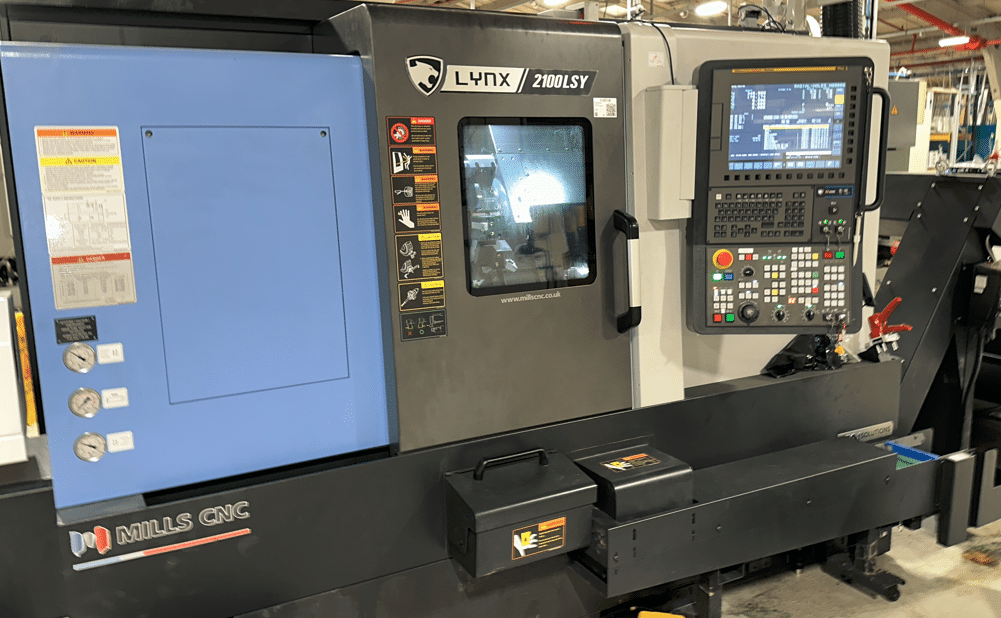
Doosan Lynx 2100 LSY

This machine has one turret and two spindles both spindles have a rotary C axis. The Doosan Lynx 2100 LSY has a Y axis the clues in the title.

Most impressive of all is the 24 station turret which means you can be more tooled up than Arnold Schwarzenegger on his birthday.

Loads of driven tools.

There are half stations so you can get special holders that cover two stations.

The other option is to space the tools out like a twelve station turret.

I mean these tools are like elephants in a fuckin lift meaning you don’t have much clearance.

You need to look out for the tool below if you do decide to cram more tools in. If you know what it’s like to run out of tool stations then you won’t mind compromising a bit.

Congratulations Mr and Mrs Doosan on the Doosan Lynx 2100 LSY, it might be a compromise but it works well.

Fanuc Speed Amnesia

Why can’t a Fanuc control remember the speed.

Age old problem, you try to start the spindle in manual and it sits there fuckin laughing at you. So you have to go into MDI and start the spindle or just give it a speed before you can manually start any of the two spindles.

Speed amnesia so bloody annoying, come on girls give us a break. Logically if you have to start the spindle in MDI is there really any point of a manual spindle on off button. Mmmmm.

Icons I hate Icons

I can never remember what all the buttons are on these machines. What chance has someone who’s only experience of working a machine was in Costas

Anyway I have a labelling machine so I stuck em everywhere. Does it really cost that much money to have different button on a machine for an English speaking country than say a French one?

I could sell Doosan my labelling machine, maybe that’s the solution.

“Read More”

Star Mechatronics Search Paths

Onsite Training Enquiry

CNC Training Call David: 07834 858 407


CNC Training Centre Reviews

30 five star ratings on Google (just saying)

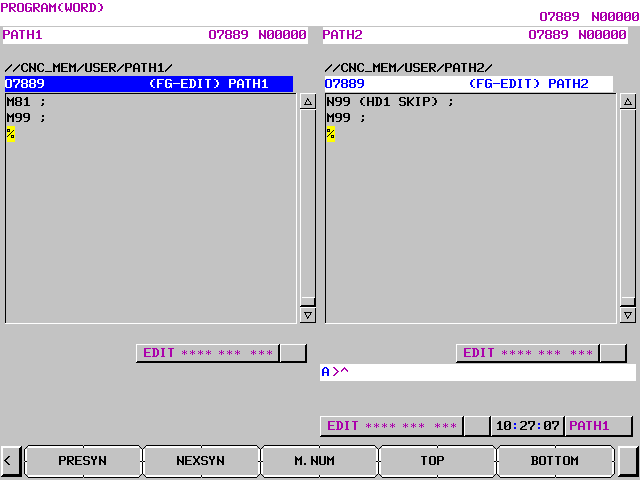
On a sliding head machine you are running two simultaneous programs. It can be quite difficult to see where various wait codes synchronise.

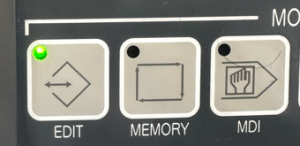
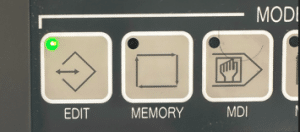
First of all you need to be in the edit mode.

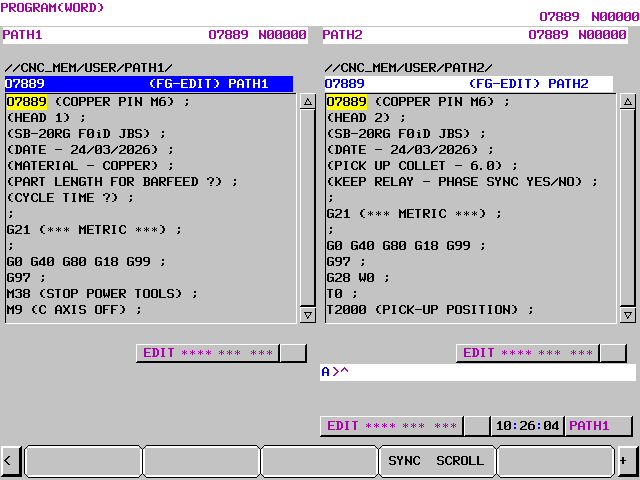
Cursor across until you see SYNC SCROLL

Now press it

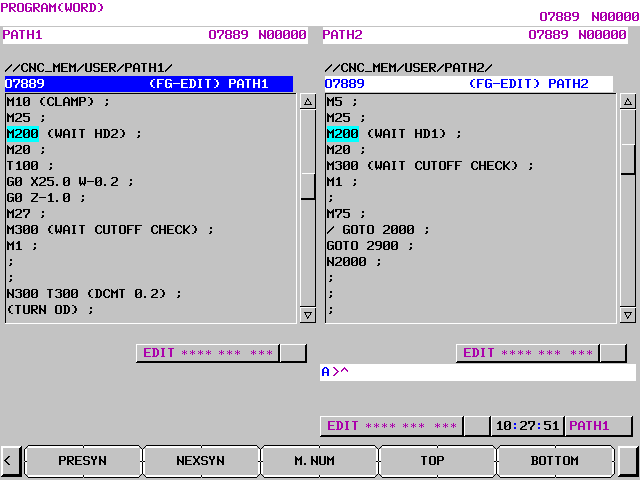
The SINGLESCROLL button will take you back. Now as you cursor through both programs will scroll together. When you find a wait code it will turn blue. The opposite screen will keep scrolling till it finds the corresponding wait code.

Press the TOP button to return to top of program

BOTTOM will take you to the end

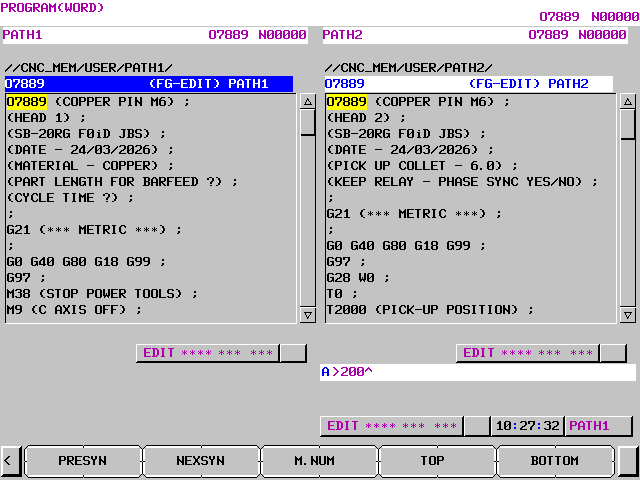
If you type in a wait code number for example 200

When you press M.NUM it will find it. Use the NEXSYN to jump to next wait code and use PRESYN to get to previous sync code.

Learn loads more Fanuc stuff on this website


How to Make a Program Active Fanuc 0i-TF

Onsite Training Enquiry

CNC Training Call David: 07834 858 407


CNC Training Centre Reviews

30 five star ratings on Google (just saying)

Why do You Make a Program Active Fanuc 0i-TF?

In order to run or edit a program on a Fanuc control you first need to make it active. On a Fanuc control you are editing in real time so you don’t need to save your work. Unfortunately any edits you make are permanent.

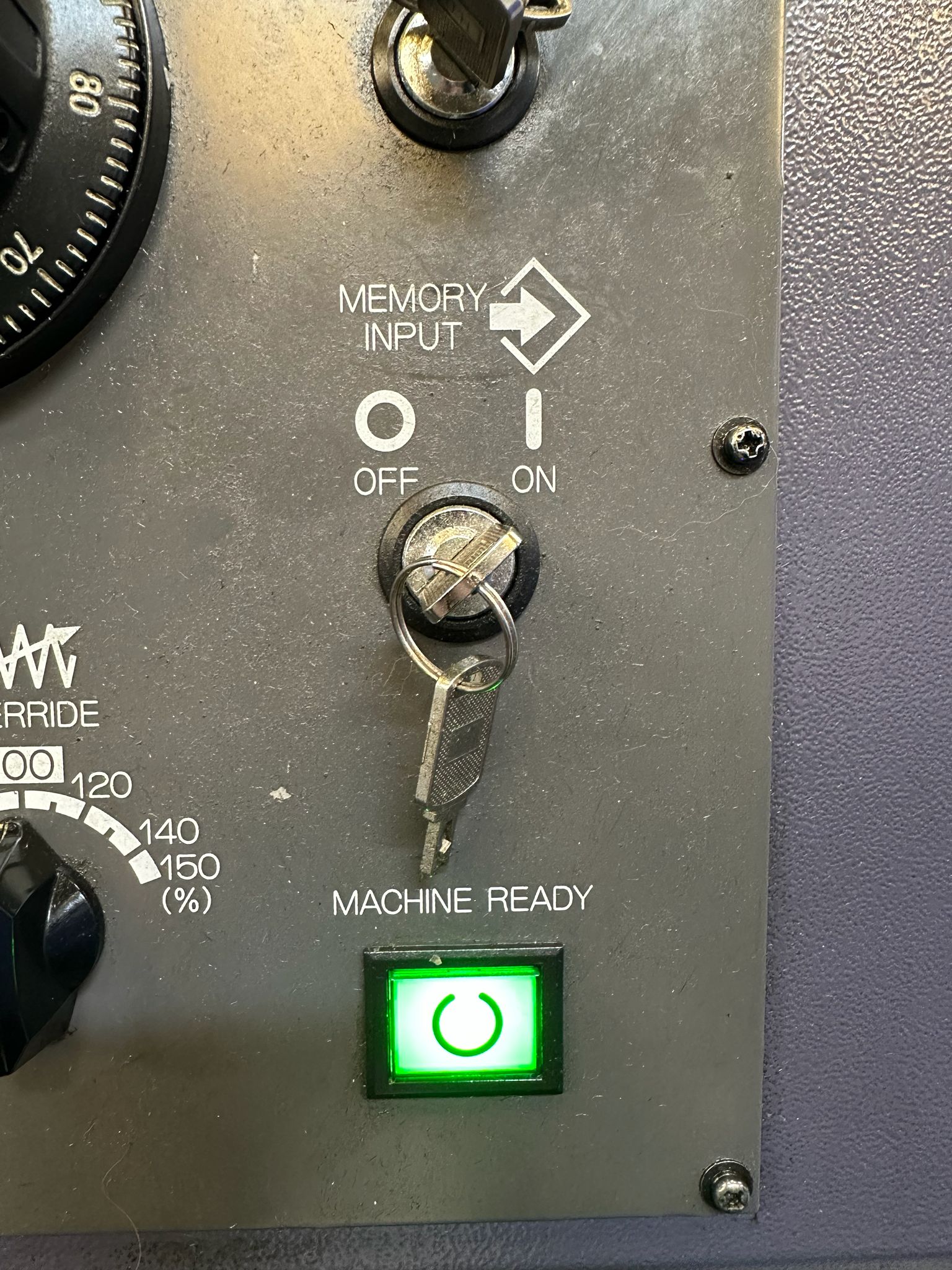
You will need your keyswitch in the on position to allow any kind of editing

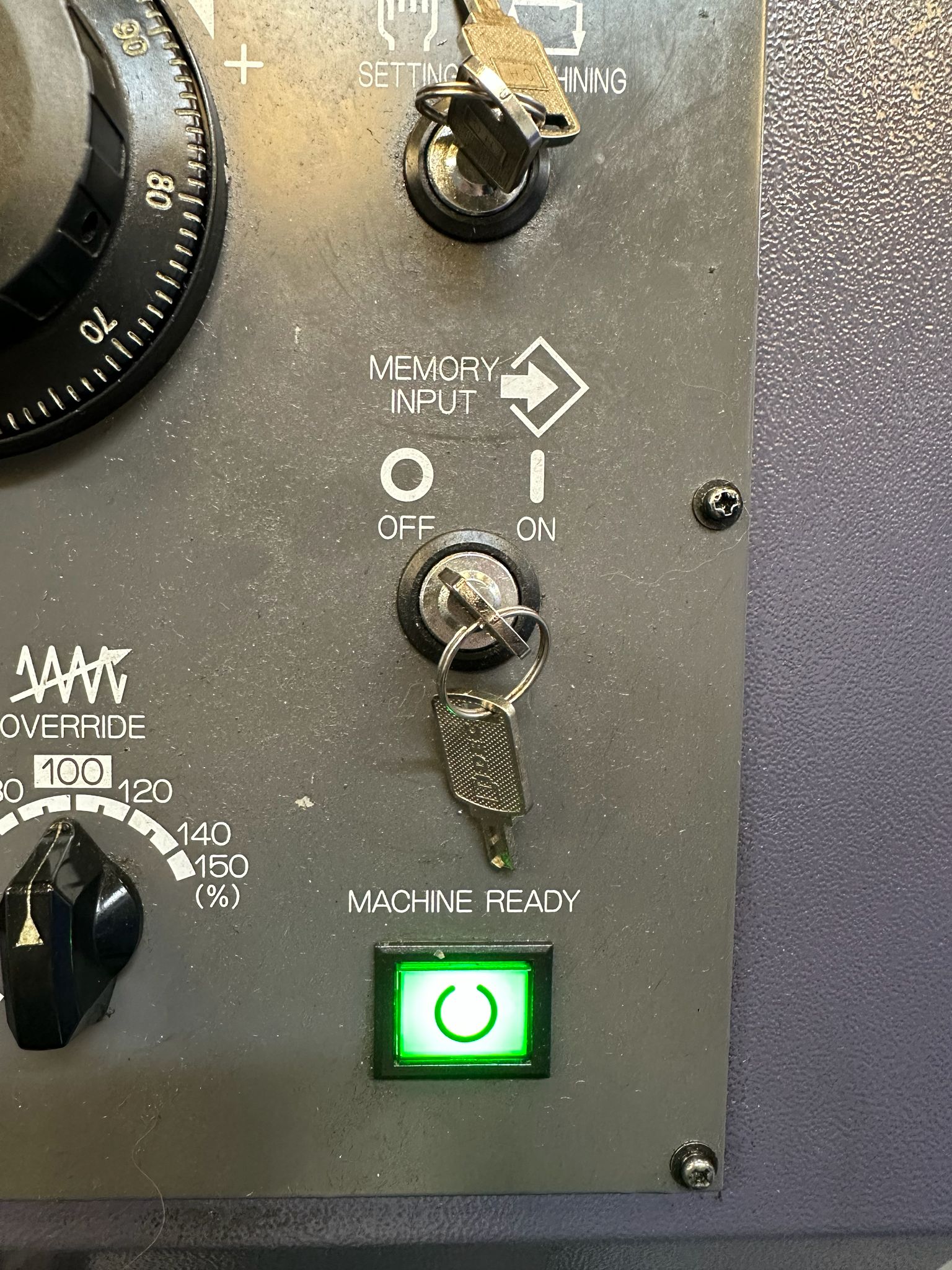
In the off position below you will not be allowed to edit

This step-by-step guide shows how to Make a Program Active Fanuc 0i-TF control, specifically on a **Star SB-20R Type G** sliding head lathe, which uses a dual-path (two-channel) setup.

First of all you need to be in the EDIT mode.

how to Make a Program Active Fanuc 0i-TF

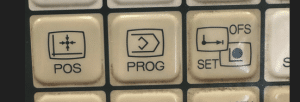
Press PROG to view your program.

How to Make a Program Active Fanuc 0i-TF

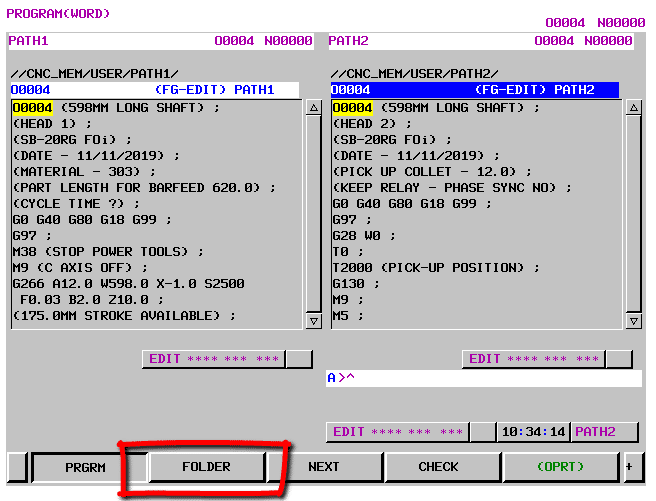
Now press FOLDER to see a list of programs.

How to Make a Program Active Fanuc 0i-TF

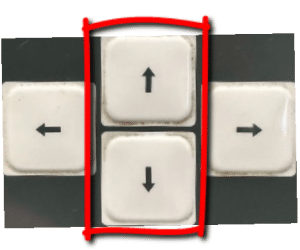
Use your cursor to move down to your program.

How to Make a Program Active Fanuc 0i-TF

Press the OPRT for more options

Now press MAIN to make your program active

How to Make a Program Active Fanuc 0i-TF

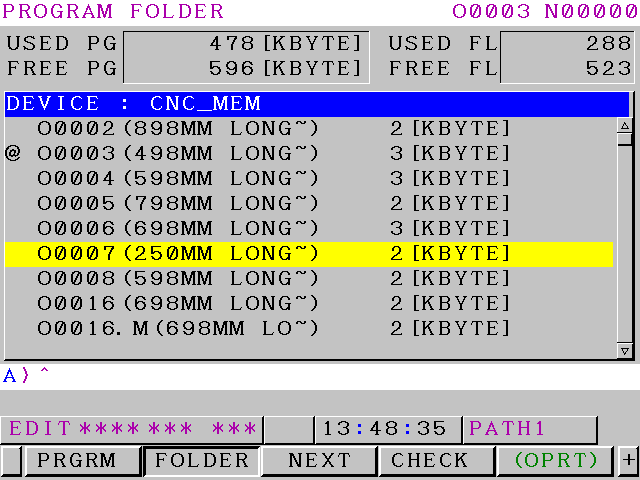
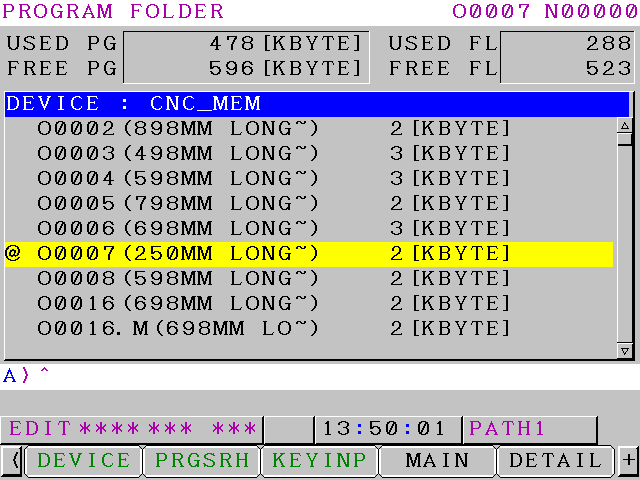
The @ or “at” symbol means this is the active program. Program O0007 is now your active program.

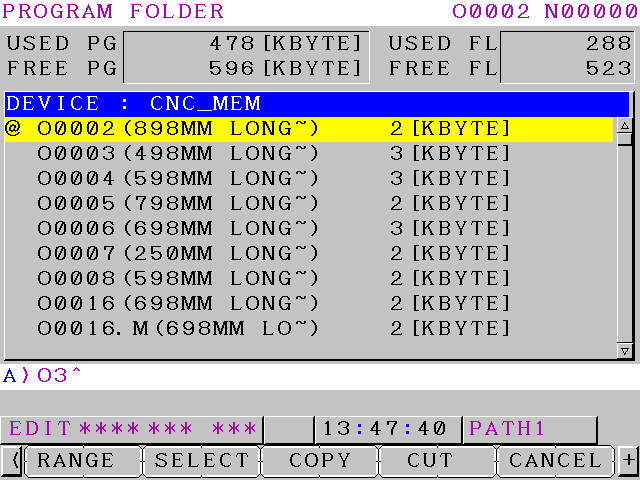
Another way is to type in the number of the program you want to make active O3 or O0003 for program 3

“Read More”

Careers in CNC

View all current vacancies in CNC

Click here

Call David: 07834 858 407