If you are buying a new machine what is the best CNC control?
You might not have a choice of the control if it’s a Mazak or a Haas.
Given the choice what would you choose.

Things to Consider (the best CNC control)
- Availability of Skill to use it.
- Batch size, one off or thousands of parts.
- Ease of editing.
- Do you want to program on the machine?
- Graphics.
- Program Restart.
- Compatibility with existing controls.
- Mobility of labour (who can use it?).
- Do you need bells and whistles?
Availability of Skill
Probably the most common CNC Control is Fanuc. Like it or love it, it’s the one we all know.
But is it the the best CNC control? Well, I’ll let you decide.
So when you are trying to get a setter operator or programmer.
If you have a Fanuc control you have plenty of fish in the sea. It’s more or less the industry standard.
So beware if you buy a new machine and the control uses bitcoin and nanotechnology you might be the only dude who knows how to program it.
Siemens controls are really creeping up in the background even Mazaks use them now. There is still a massive shortage of people with Siemens programming skills. Maybe you should talk to us.
How Many Parts Do You Make?
If you are in the business of making one offs or small batches of parts, then you may think it will be more profitable for you to program at the machine.
Mazatrol is excellent for this. When it comes to turning, from drawing to bubble wrap, it really takes some beating.
Hurco is also really good for one offs and small batches. Oh and both of these controls usually have an ISO option meaning you can run Fanuc type programs if you want to.
Oh and the new Hurcos are fully Fanuc compatible
Read the small print on your final machine spec and always check what options are on your machine control.

Fanuc controls are on thousands of machines and every one is different. Things like Manual Guide i are options and sometimes very expensive to install as an add on.
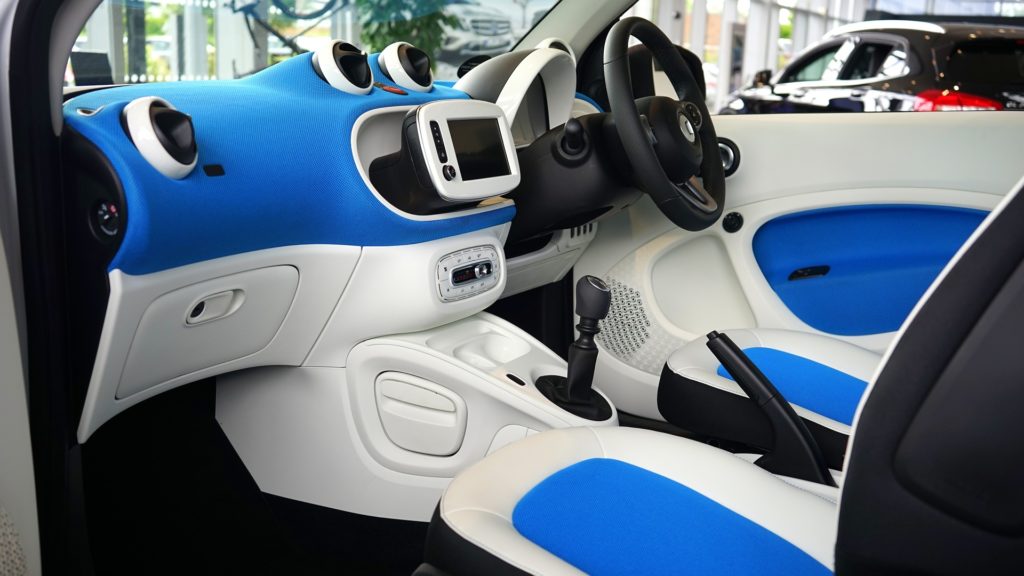
It’s like getting a car and finding you got the one that doesn’t do 0-60 in 5 seconds.
Don’t forget you can always get yourself a CAD CAM system for a very reasonable price these days. This will do everything these controls can do and an awful lot more.

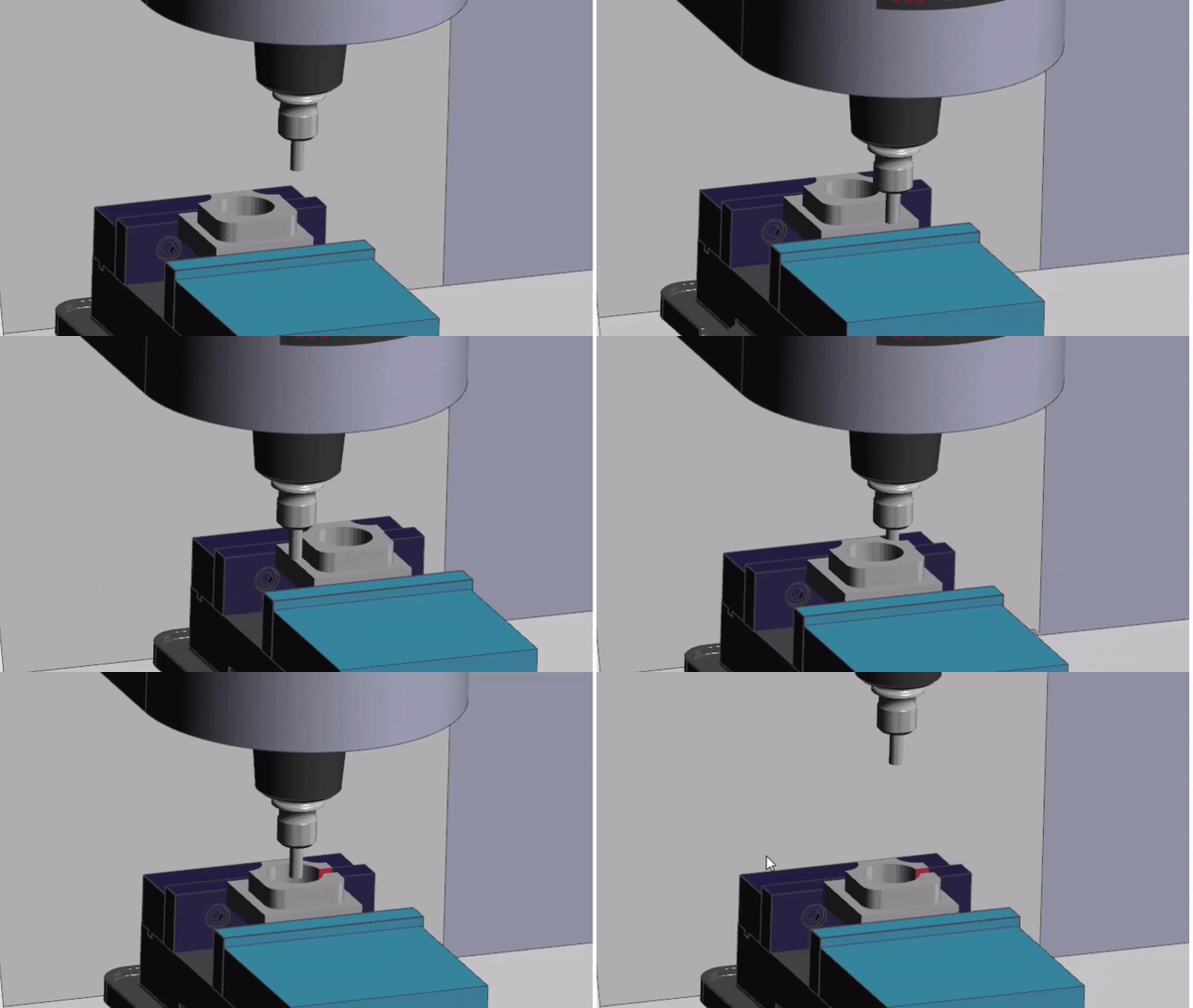
Things like proper collision detection. It’s way cheaper and ethical than framing the apprentice and getting him another written warning.
You can get entry level CAD CAM systems for around £2500 pounds (that’s about $1000.000 since we decided to leave the EU). Oops, sorry.
Only joking.
Anyway when buying a new machine it’s not much money to sneak under the radar.
Editing
Do you need to do loads of editing? I have to say Haas controls are brilliant for editing (you even get an undo button along with loads of other clever shit).
The handwheel can wizz you through the program at breakneck speed unique to Haas I think.
Heidenhain has the ability to jump to sections of program really quickly. One of my favorite features Read this.
Yes and make sure your programs are easy to read. Loads of comments and spaced out. This makes them easier to navigate and edit. Read this.
Siemens controls are also very easy to edit COPY/ PASTE an absolute doddle and its really easy to move stuff around. (Siemens 840D Sinumerik)
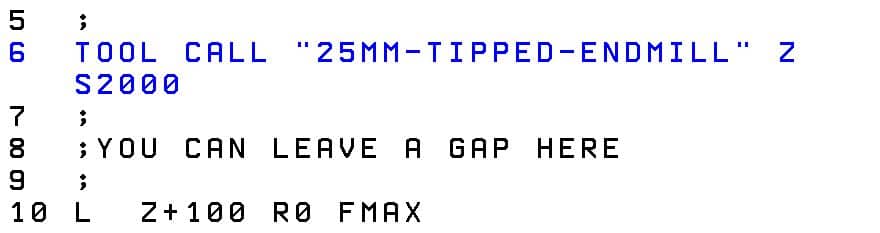
On your Heidenhain control use this button maybe just to leave gaps and add the odd comment.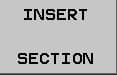
Use the colon (;) to add a comment.
New Fanuc controls are much better than the old ones for editing. You needed a PHD in calligraphy just to work out how to copy and paste.
Fanuc Tips
If you have Manual Guide then use it to edit. There’s loads more functionality. You even get an undo button.
Even if you don’t use it to program swap over to edit, please.
Check out PL. EDT
This button lets you edit two or more pages at once so it’s real easy to copy n paste from one program to the other

Don’t forget to press
when your done or you will be punished by being locked into that screen until home time.
Oh and don’t forget the calculator button on Fanuc too.
Read this
Mazak Tip
When running ISO programs on a Mazak control there’s a real nifty edit function. You know that feeling when you think “oh shit I know I should have changed that tool number”.
Well you can stop the program alter it and just carry on. You can’t alter anything before your current position but you can alter anything after. Like that looming feedrate you know you meant to alter.
(WARNING ONLY WORKS IN ISO)
Programming On The Machine
Just one thing to say about this.
It’s expensive.

It’s great for bored operators, they love it. Yes “that’s what background edit is for, you dick” I hear you say. (You really should learn to be more articulate).
Mmm yes well that’s not without its problems as we all know.
This will obviously work for some organizations and not others. But, be sure to check carefully that production and quality are not adversely affected when you program at the machine.
Just saying.
Graphics
Well most machines have em. But usually they are a pile of shite.

Joking aside (and you know I love to joke) they are really useful for checking programs for errors but mostly not collisions.
So long as your not expecting to get the Jeremy Kyle Show with subtitles you’ll be just fine.
For typos and little coding errors they are brilliant and save loads of stress and panic when you decide to run your code for real.
Program Restart what’s the best CNC control?
Don’t get me started on this one. Well ok here goes.
Even the best CNC controls don’t always have good program restart.
Haas (Brilliant)
Fanuc mmmmmm (It’s an option) read this
Mazak not bad.
Heidenhain good.
Semens good on newer machines old controls with care.
Mixed Bag Usually Not That Good
Anyway it’s a bit of a mixed bag but on a machining centre where you almost definitely will need it. I suggest you check it out first.
Oh and if you already have it then learn to bloody use it.
Clones

You see it on LinkedIn all the time, such and such a company has just bought their 96th ????? machine.
Well there’s a reason for that, and I know our machine tool friends would like to think it’s loyalty to their amazing products but ……
Their are some very pragmatic reasons why you stick with the same boring old brand of machine tool.
If every machine has a different control you won’t get much mobility of labor because every machinist will be scared of the dark evil beast next to him.

And when your trying to recruit… well the wish list will be like War and Peace
If you have bought loads of new machines from the same company when you call the service department you got way more clout (don’t tell anyone I said that).
Don’t forget you can run ISO programs on most Heidenhain controls with a few mods.
Haas, Fanuc, Mazak (ISO) and Yasnac are almost 100% compatible with one another.
So it’s worth looking at how compatible the new control is with your old stuff.
Bells and Whistles
Do you need all this crap?
Can it contact your misses and ask her to get the takeaway ordered and put some Vodka in the freezer?
Can it check your credit rating?
So if you are programming offline with a CAD CAM system what do you need?
I reckon you need good editing, good program restart, good graphics.
If you are programming everything using CAD CAM it’s more about hardware than software.
Don’t forget the hardware is the expensive bit (the metal) computers and software are cheap but if you want a machine that can drill and tap 500 holes in one side of a railway carriage then you need some big bucks.

Verdict So What’s the Best CNC Control?
Sorry there ain’t one. As usual it’s subjective.
The main points to consider if you want the best CNC control:
- Do you need it to check your lottery numbers?
- Batch quantities will it run for hours untouched?
- Do you want to program on the machine and is it practical and cost effective to do so?
- Can you find anyone to program set and operate it?
- What skill sets do you already have? Maybe you need to stick with what you have?
Thanks
If you have been affected by any of the issues in this post or need CNC Counselling then contact me.
If you want to learn to program CNC Milling Machines
Look no further Contact CNC Training Centre