

How to Use FANUC Manual Guide i Engraving Doosan Lynx
FANUC Manual Guide i Engraving on a Doosan Lynx 300M
FANUC Manual Guide i engraving is one of those things that often looks more complicated than it really is.
Now I admit to having a few “issues” with Manual Guide i but when it comes to engraving I have to admit it’s quire simple.
Not well explained, sorry I’m doing it again. Anyway once you get how it works and what it wants to know it’s easy
If you have a CNC lathe with a C axis and driven tooling, you can do much more than turn diameters and face components. You can mill flats, drill cross holes and engrave text directly onto the component.
Loads and loads of shit. So much fun without taking down your pants.
On the Doosan Lynx 300M, you can engrave on the front face of a component or wrap the engraving around its outside diameter. It can be straight across the front face or rotated around it.
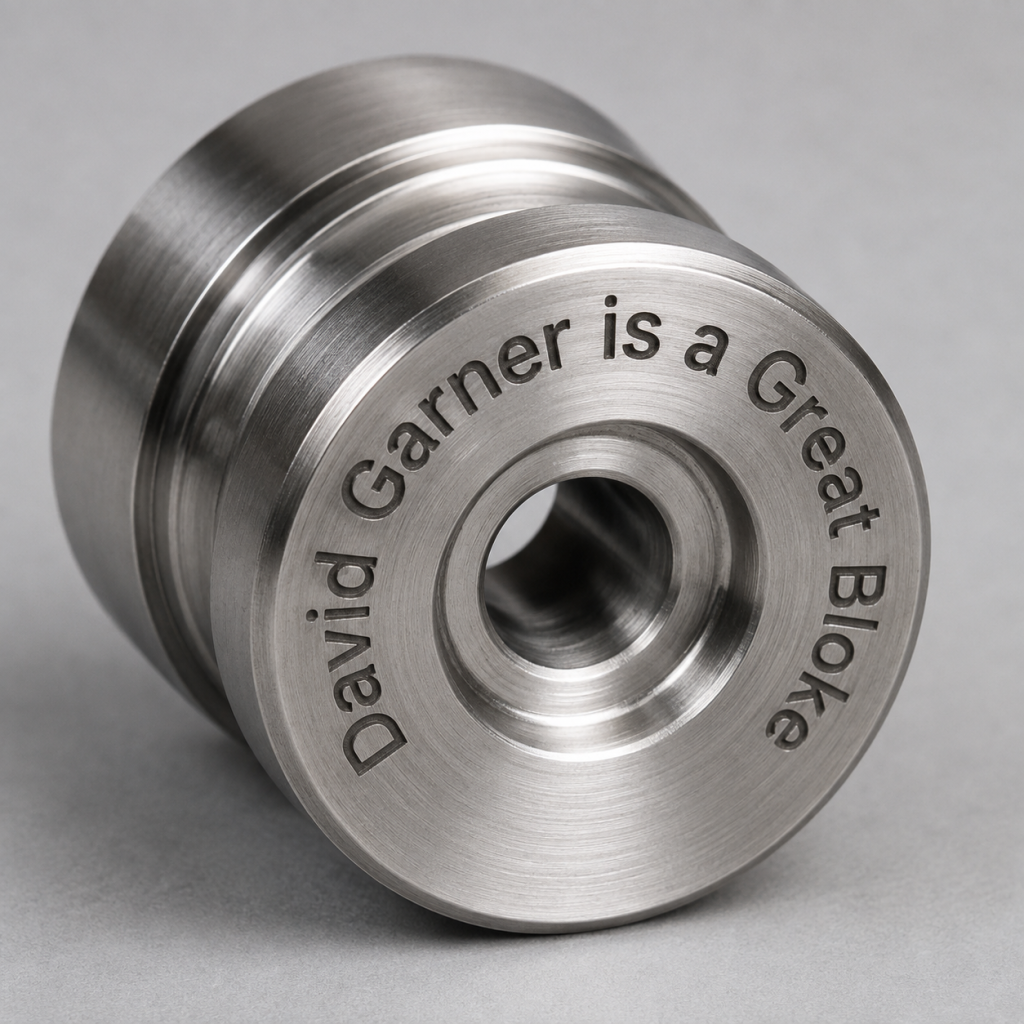
This type of C-axis engraving is ideal for adding:
- Part numbers
- Batch numbers
- Serial numbers
- Company names
- Material specifications
- Inspection references
- Simple identification marks
- And the most common which is rude comments to make your mates laugh
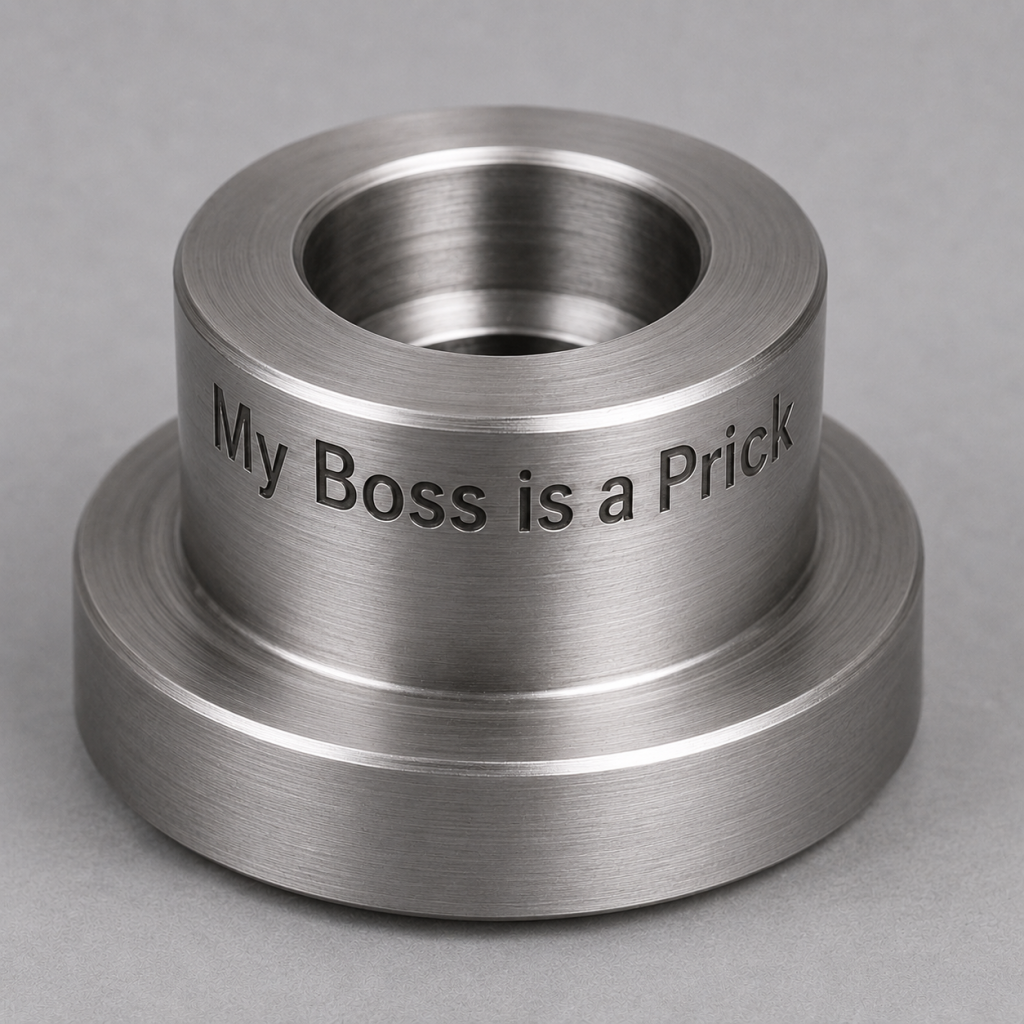
Manual Guide i makes the process quite straightforward. You can create the engraving conversationally rather than calculating and programming every individual movement yourself.

FANUC describes Manual Guide i as a conversational programming system for turning, milling and combined machining applications. You can read more about its capabilities on the official FANUC Manual Guide i website.