

Explain M Codes and G Codes Star SB 20-R
Category : New Stuff

Star Sliding Head CNC Training Call David: 07834 858 407

30 five star ratings on Google (just saying)
Explain M Codes and G Codes Star SB 20-R, the Star SB20-R has a Fanuc Oi TF control. It is configured especially for the Star machine.
Being a sliding head machine you get loads and loads of G codes and M codes even codes like M8 and M9 coolant on and off are different on this machine.
As I always teach people it is a good idea to put explanations on all your M codes so that you can easily see what they mean when going through programs.
To the rescue comes this screen
Explain M Codes and G Codes Star SB 20-R
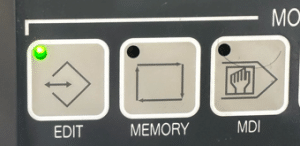
You need to be in EDIT mode
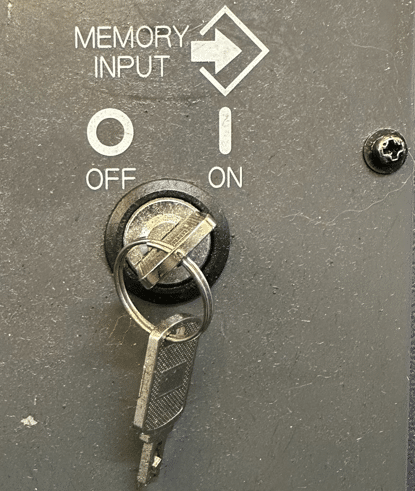
And your key switch needs to be in the unlock position so that it allows you to edit CNC Code and programs
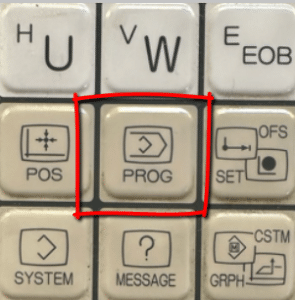
Press your PROG button to display your program.
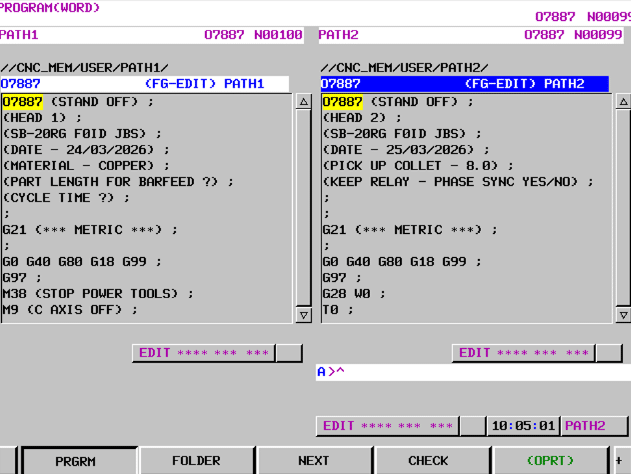
Press your side arrows until you see the COMM soft key.
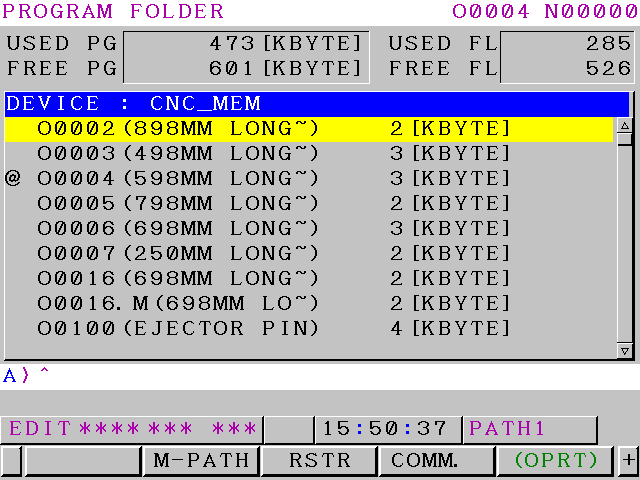
Press COMM this will take you to this screen.
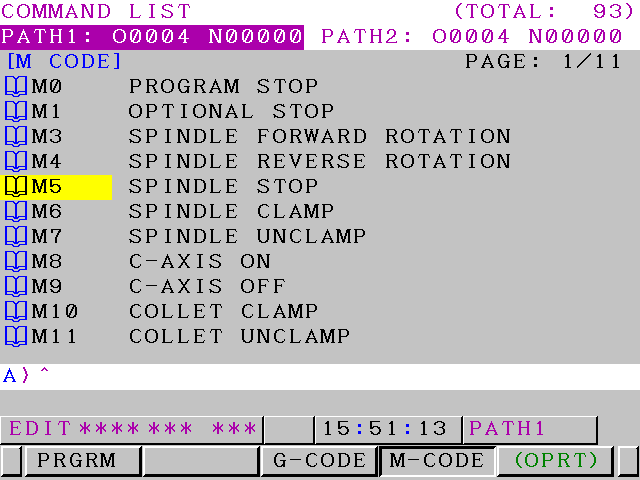
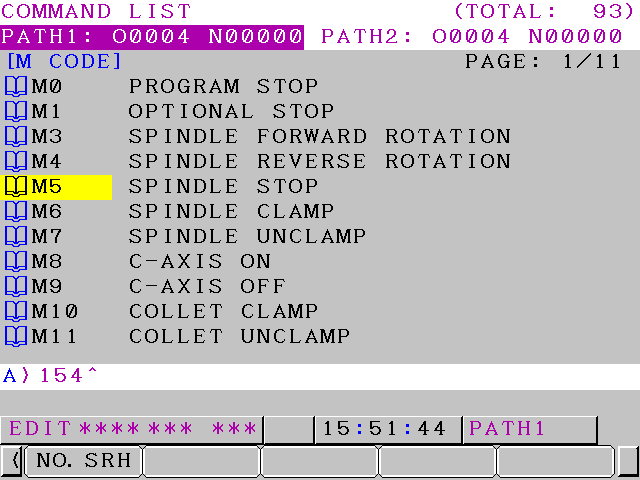
You can now search for any M code that you want. Input the number for example below 154 then press NO. SRH.
Explain M Codes and G Codes Star SB 20-R
This will take you straight to that M code.
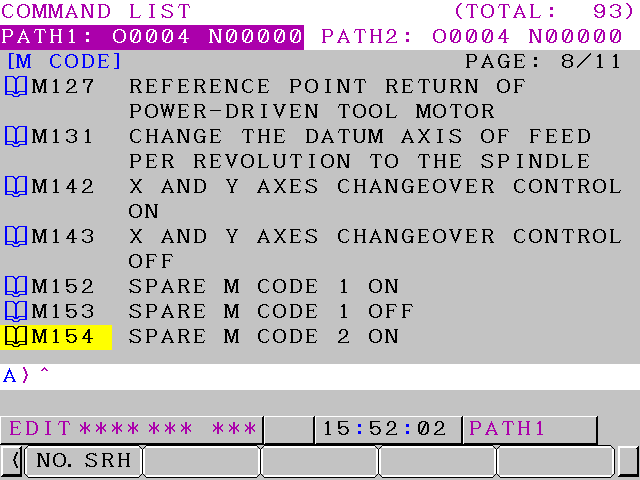
You can do it with G Code too.