How to Copy programs Fanuc 0i-TF
Category : New Stuff
Why Copy your programs?
Copy programs Fanuc 0i-TF, it is often necessary to duplicate (copy) an existing CNC program on your machine—for creating variations, backups, testing modifications, or transferring to another program number without starting from scratch.
This step-by-step guide shows how to copy a program on a **Fanuc 0i-TF** control, specifically on a **Star SB-20R Type G** sliding head lathe, which uses a dual-path (two-channel) setup.
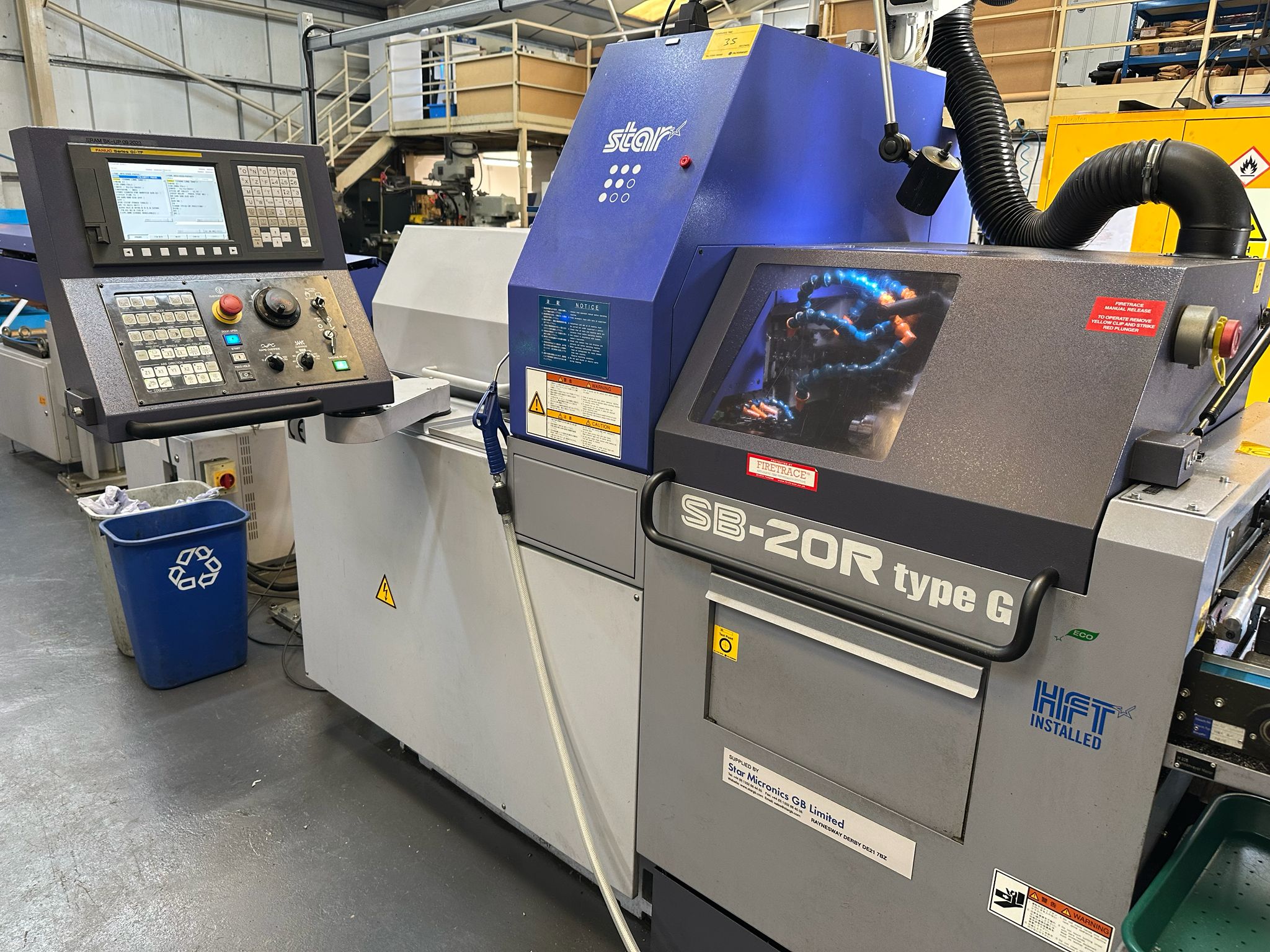
Copy programs Fanuc 0i-TF
Be sure the USB is plugged in. Refer to this article if it is not setup.
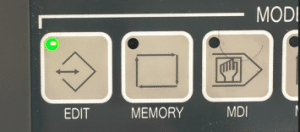
Edit
First thing we need is to get in the EDIT mode.
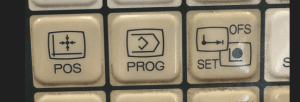
Then press your PROG button.
Your program will now be displayed.
You will need your key-switch in the on position to allow any kind of editing
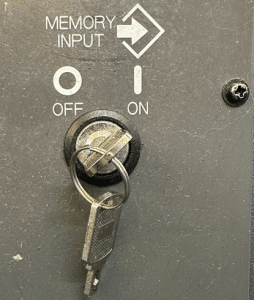
In the off position below you will not be allowed to edit
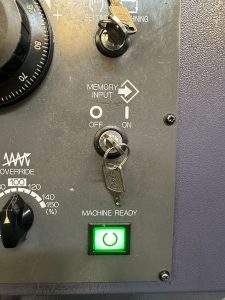
Copy programs Fanuc 0i-TF
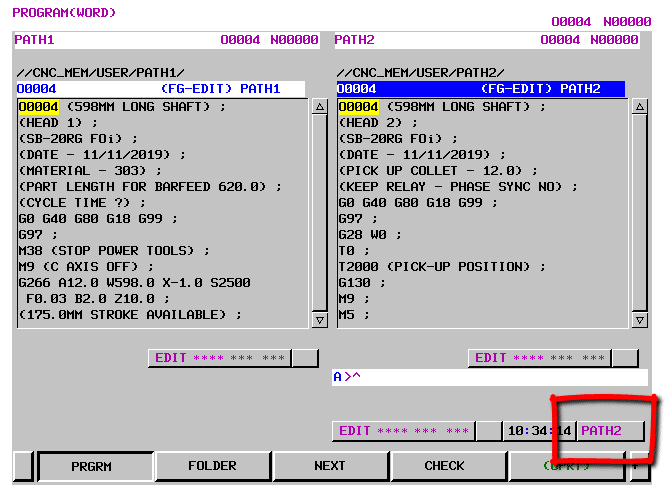
Because this machine is a sliding head machine running two simultaneous channels you have to select a path.
On standard machine you will not need to do this.
First of all turn off the path buttons.
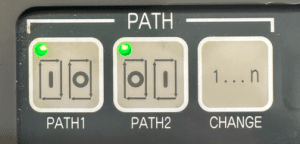
Now select which Path you want, just press below.
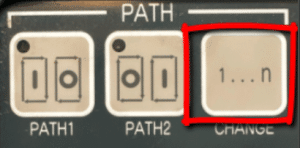
The PATH change button will select which path you want. Whichever path you are in the program number will highlight in blue. It will also show in the right hand corner.