

Haas CNC Control – What’s Improved and What Still Works
Haas CNC Control – Still Some Clever Ideas After All These Years
I first started training people on the Haas CNC control back in 1995, and at the time it was an absolute game changer.
Not quite in the same way as when I first saw Mazatrol, the Mazak conversational software, which was stunning to say the least. Haas impressed me for different reasons.
What Haas effectively did was take the familiar Fanuc-style control and put it on steroids. A very clever move.
Editing was miles better. Copy and paste — wow! Programs were easy to copy, and program restart was, and in my opinion still is, one of the best systems around. Compare that with Fanuc, where restarting a program can still feel unnecessarily painful.
On a Haas, you could move the cursor to where you wanted in the program and hit Cycle Start. Simple.
And then there were the little things.
When an axis reached the end of its travel, it just stopped. No alarm-induced panic, no turning on the smoke alarms or sprinkler system. It just plain old stopped.
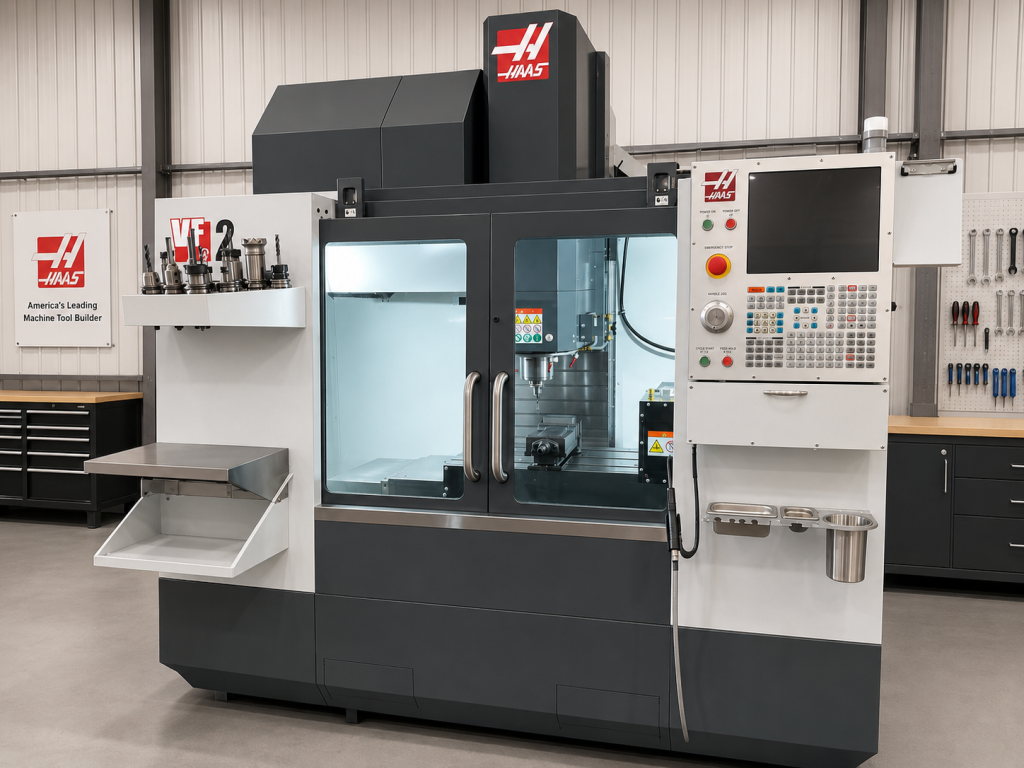
I’m also pretty sure Haas were one of the first to fit a coolant wash-down hose as standard. Ostensibly this was for cleaning down the machine, although its more important use was soaking your unsuspecting mate on the machine next door.
It even had a tray for your coffee cup and a clip for the airline. Someone had clearly spent time using the machine tools Gene Haas I think.
Tool changing was easy too. No M6 T1 followed by an end-of-block. Just input T1 and press ATC Forward.
Fanuc, meanwhile, can seemingly find a way of punishing you for forgetting an EOB.
Has the Haas CNC Control Lost Some of That Innovation?
All that said, I can’t help thinking that some of that original innovative approach became a little jaded over the years.
However, I recently worked on a very new VF-2 and noticed a few rather clever features that I really liked. I don’t know how long some of these have been available, but they certainly caught my attention.
At Last
The position page, for example, can display the actual position while taking the tool length and tool offset into account.
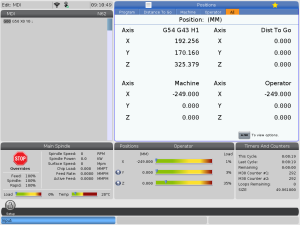
Haas CNC control, Brilliant.
Mazak, Heidenhain and Siemens users can stop yawning at the back.
With some Fanuc controls, you can find yourself looking at positions that don’t include your tool length offset — and sometimes not your work offset either — leaving you scratching your arse and wondering what on earth is going on.
On the Haas, that problem has effectively gone away.
Haas CNC control, Love it.
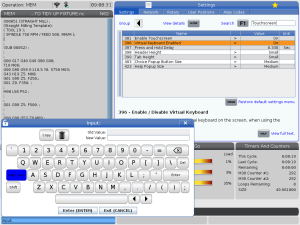
Another nice touch is that you can change a setting and have a proper QWERTY keyboard appear on the screen.
Needless to say, I turned that on immediately.
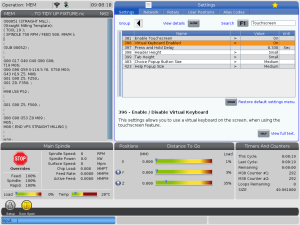
And here it is. Hold down any input key and it will appear.
Making Proper Use of the Touchscreen
The Haas CNC control makes good use of the touchscreen.
If you press and hold on various items on the screen, the control displays an explanation of what they do. That’s a genuinely useful feature, particularly when you’re learning the control or come across something you haven’t used before.
You can also drag and drop a program onto the main screen to make it active.
Use It Sucker
My advice is: make yourself use features like this on your Haas CNC control.
It’s very easy to carry on doing things the way you’ve always done them, but if you force yourself to use the newer shortcuts they quickly become second nature — and ultimately make you more efficient.
The graphics, however, still look as though they escaped from the 1980s.
Haas are really missing a trick there.
Just saying.
Haas WIPS
The machine I used also the Haas CNC control had the WIPS system.
No, WIPS isn’t some salacious website. It’s the Wireless Intuitive Probing System — in other words, a boring old touch probe.
I actually really like the system, although I think Haas may have tried to be a little too clever with parts of it and, as often happens, made something more complicated than it really needs to be.
Simple is better.
What Haas really need to do is let unintelligent people like me test these machines before releasing the software.
When I was at school they just called me thick. Apparently you can’t do that anymore.
Either way, if I can operate something without reading a 300-page manual, there’s a fair chance everybody else will be fine.
Final Thoughts on the Haas CNC Control
All in all, I really enjoyed working with the latest Haas CNC control on the VF-2.
It reminded me why Haas made such an impact when I first came across their machines in the 1990s. There are still areas where I think they could improve — particularly the graphics and perhaps some of the probing routines — but there are also some genuinely clever ideas in the latest control.
And most importantly, many of those ideas make the machine easier to use.
Which, when you think about it, was what made Haas stand out in the first place.
33 five star ratings, just saying