Sub Contract CNC programming UK – Edgecam Experts
Reliable, Expert Support for Your Machine Shop
At CNC Training Centre, we don’t just train CNC operators and programmers — we deliver high-quality sub-contract CNC programming services to machine shops, precision engineering companies, and manufacturers across the UK.
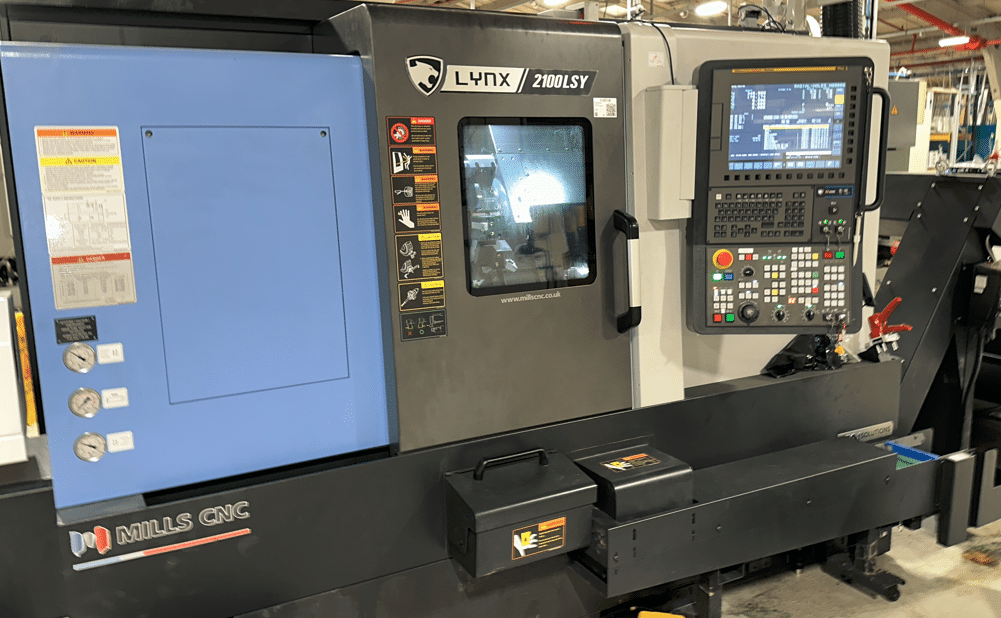
Whether you’re overloaded with work, facing a skills shortage, or need specialist multi-axis programmes written quickly and efficiently, we are here to keep your machines running and your production on schedule.
Why Outsource Your CNC Programming?
Modern CNC machining demands more than ever: tight tolerances, complex 5-axis components, exotic materials, and ever-shorter lead times. Many shops struggle to find (or retain) skilled programmers, especially for advanced work.
Sub Contract CNC programming UK
Outsourcing your programming to us gives you:
– Instant capacity without the cost of a full-time programmer
– Reduced downtime — get proven, optimised programmes delivered fast
– Access to specialist expertise in multi-axis milling, turning, turn-mill, and advanced CAM strategies
– Cost-effective flexibility — pay only for the programming you need
– Peace of mind from programmers who train others for a living
We understand the real-world pressures of sub-contract machining. Our programmes are written to run reliably on the shop floor, with efficient toolpaths, realistic cycle times, and clear documentation.
What CNC Programming Services We Offer
We provide comprehensive offline programming support for a wide range of controls and machines, with a particular specialisation in Edgecam (now part of Hexagon’s powerful CAM suite).
Our services include:
– 3-axis, 4-axis & 5-axis simultaneous milling (vertical and horizontal)
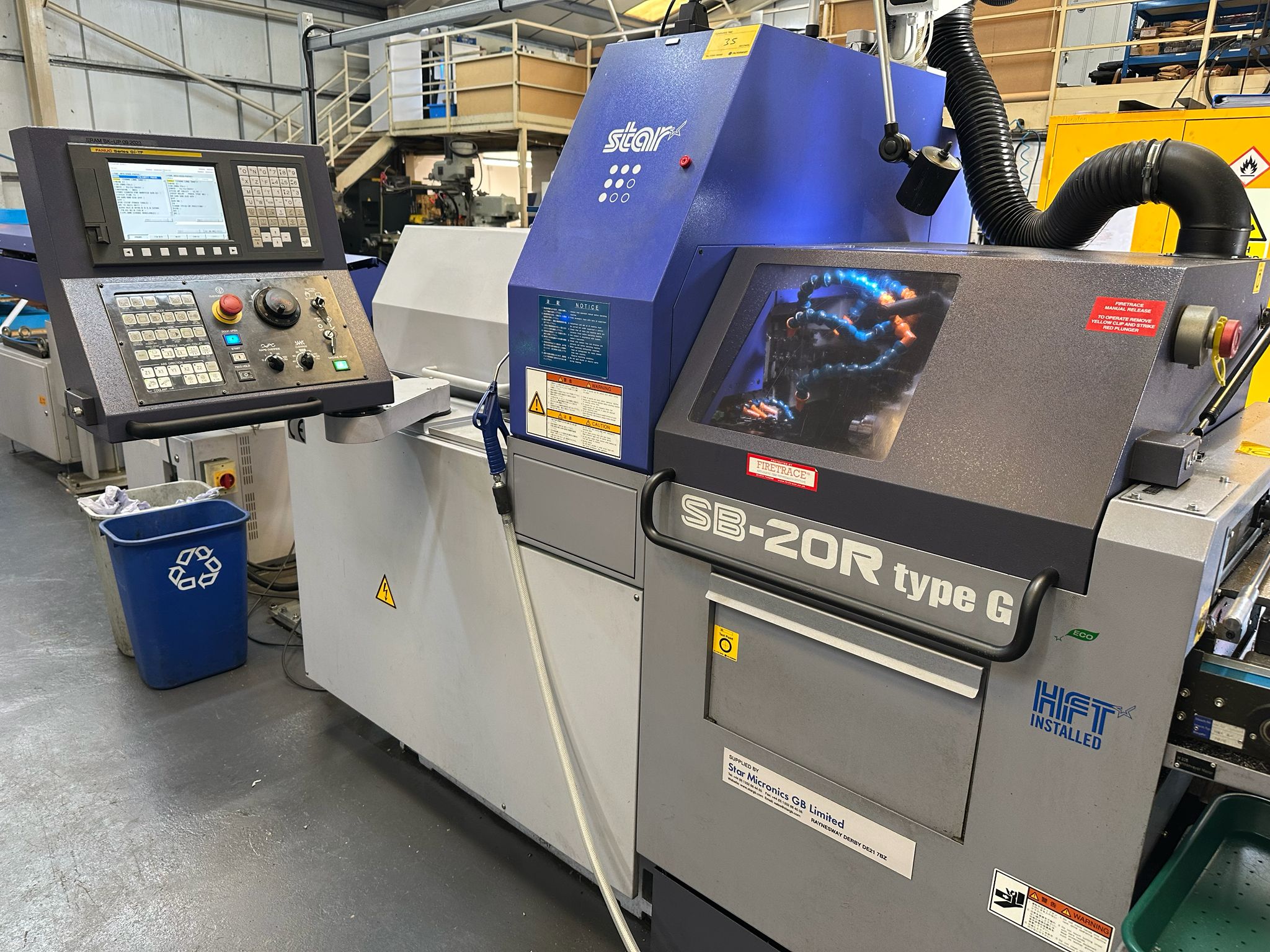
– CNC turning and multi-axis turn-mill (including sliding head / Swiss-type)
– Complex surfacing, 3D contouring, and high-speed machining strategies
– Edgecam Post-processor customisation and optimisation
– Toolpath verification, simulation, and collision avoidance
– Programme editing, optimisation, and troubleshooting for existing jobs
– Support for prototypes, small batches, and production runs
Because we specialise in Edgecam, we can take your solid models and quickly produce efficient, reliable CNC code — often faster and more consistently than generalist programmers. We also work confidently with other major CAM systems and popular machine controls such as Fanuc, Siemens, Heidenhain, Mazak, and more.
Who We Help
Our sub-contract programming clients typically include:
– Precision engineering and sub-contract machine shops
– Aerospace and motorsport manufacturers
– Medical device and implant producers
– Prototype and low-volume production companies
– Businesses experiencing peak demand or staff absences
Whether you need one urgent Edgecam programme or ongoing support during busy periods, we tailor our service to fit your requirements.
Competitive Rates & Flexible Delivery
We offer realistic, value-driven hourly or project-based rates for sub-contract programming in the UK. Remote/offline programming keeps costs down while delivering fast turnaround — typically within days, not weeks.
Many clients find our Edgecam-focused programming support more cost-effective than hiring temporary staff or struggling with in-house bottlenecks. We can also combine programming with on-site training if your team needs upskilling at the same time.
Why Choose CNC Training Centre for Programming?
– **Deep Edgecam expertise** — we specialise in Edgecam and train CNC professionals on it every week, so we stay at the forefront of its powerful features and best practices
– **Practical, shop-floor focused programmes** — written by people who understand machining realities, not just theory
– **Proven track record** in delivering reliable, efficient code that minimises setup time and maximises machine utilisation
– **UK-based service** with fast response times and clear communication
– **Training expertise as standard** — if your operators need guidance on running the new programmes, we can support that too
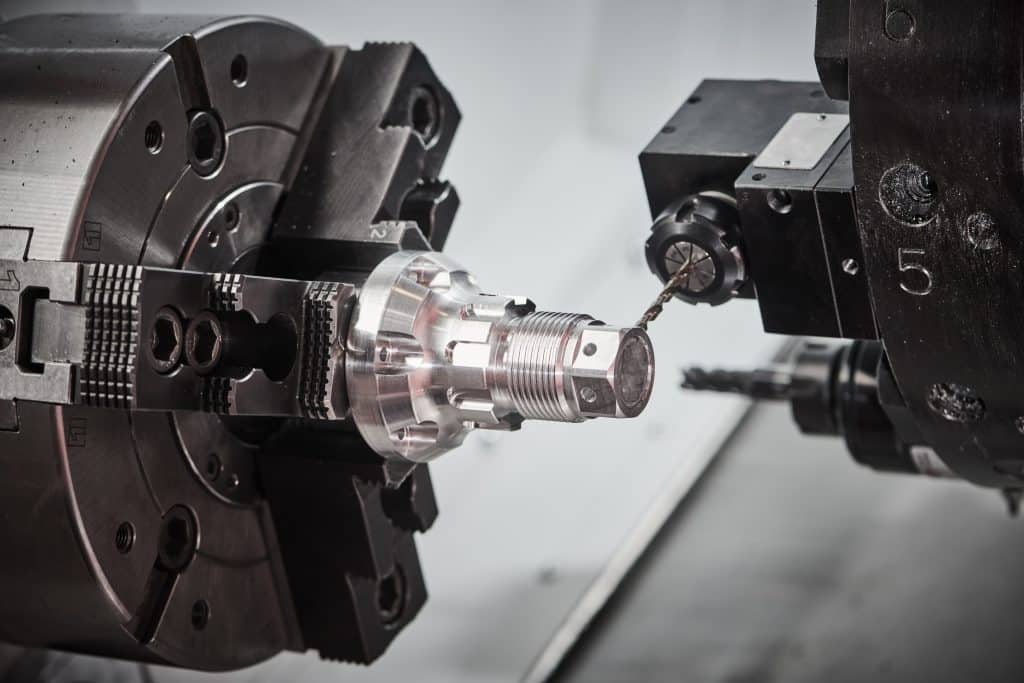
Get Your Machines Producing – Not Waiting
Don’t let programming bottlenecks hold back your business. Whether you have a complex 5-axis aerospace part, a tight-deadline prototype, or a sudden surge in orders, our Edgecam specialists can help you deliver on time and to the highest standard.
Sub contract CNC programming UK
Contact us today for a discussion about your programming needs — especially if you use (or want to get the most from) Edgecam.
Call us or email with details of your machines, controls, CAM software (Edgecam or otherwise), and the type of work you need programmed. We’ll provide a quick, competitive quote and realistic lead time.
**Ready to keep your CNC machines cutting?**
Get in touch with the CNC Training Centre team now.
Programming Call David: 07834 858 407

30 five star ratings on Google (just saying)
—