Program Restart Fanuc Not Scary At All
Category : Fanuc
Program Restart historically people tend to avoid Program Restart on a Fanuc control. It is an option so again don’t get too excited as you may not have it.

I remember using it years ago on 6MB controls circa 1982 and it was like performing black magic. What a rigmarole and it took me ages to figure out how it worked.
Oh yea and you could only perform it when there was a full moon or an R in the month.

Anyway recently I came across it on a new Hartford Machine I was training on and couldn’t resist getting it going.
 So now I am going to share Program Restart with you.
Now I am always banging on about not putting too many N numbers in your programs (they can make you hyperactive).
Anyway you need an N number in order to perform a program restart on a Fanuc control.
Now if you had a load of holes to drill and tap you might want to number them all just in case you need start half way through having broken a drill or tap.
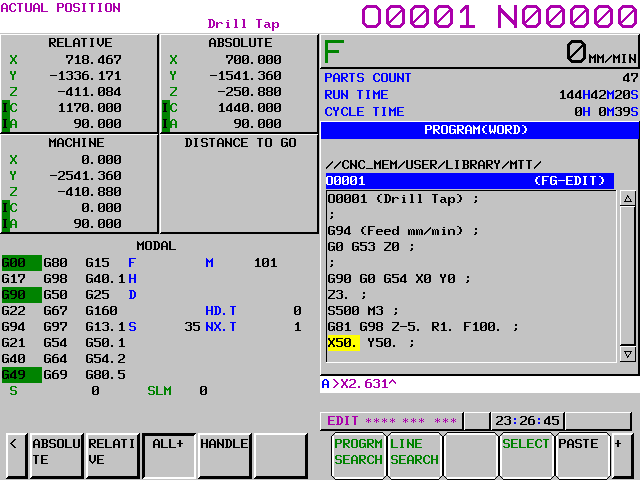
In this program I used an N number for each hole.

Alternatively you could wait till you need to do a program restart and just add an N number where you want to restart the program. In this case it’s N1234

Word of Caution Program Restart
Most tool changers use a 9000 series program for the tool change. There may be N Numbers in here. So if you end up stopped in this program it will normally be a low N number. Therefore I tend to use 100 series numbers N100 onwards.
Here’s What You do for a Program Restart
- Reset the program at the head you can use REWIND if you want.

- Turn on Program Restart this will be a switch or a soft key depending on the machine control.
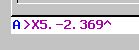
- Input the N number you wish to start at eg N100.
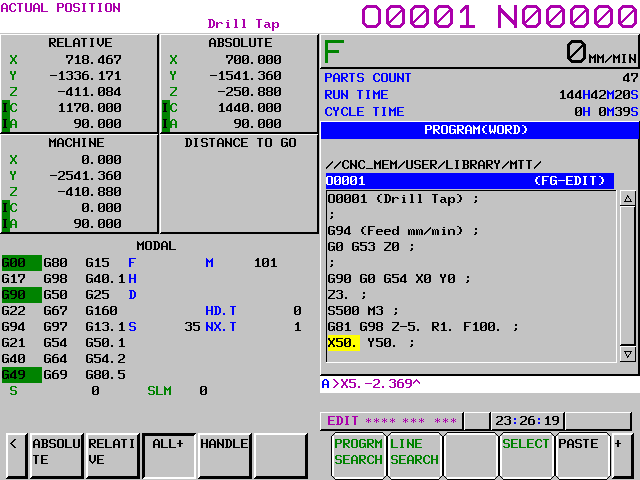
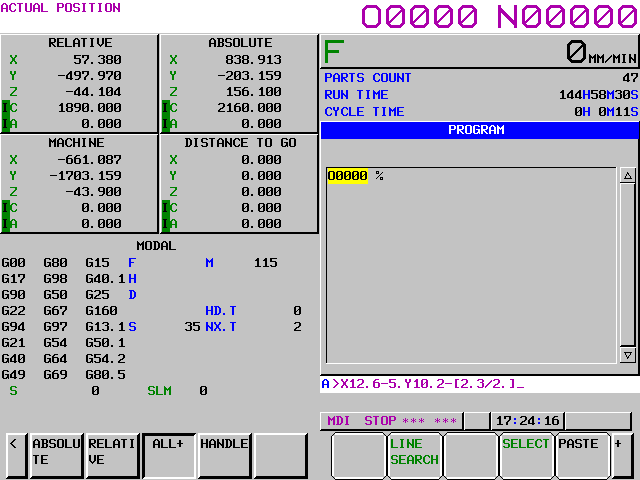
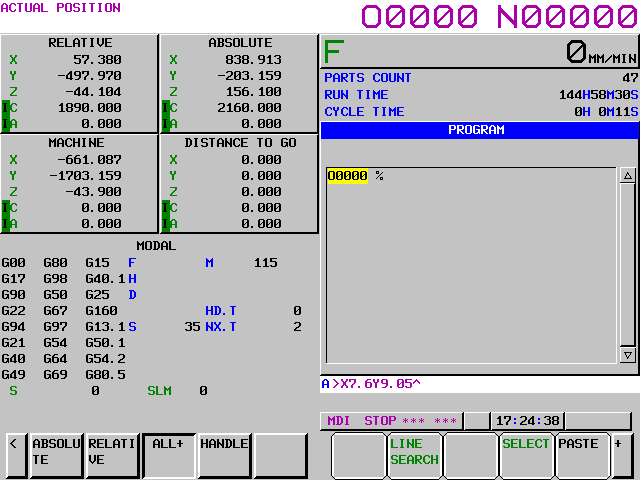
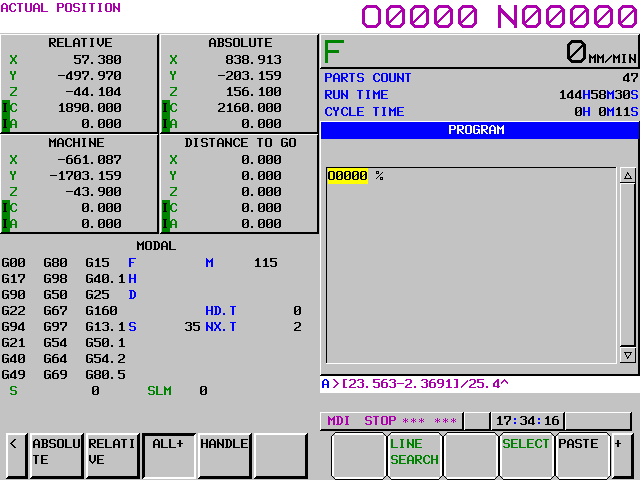
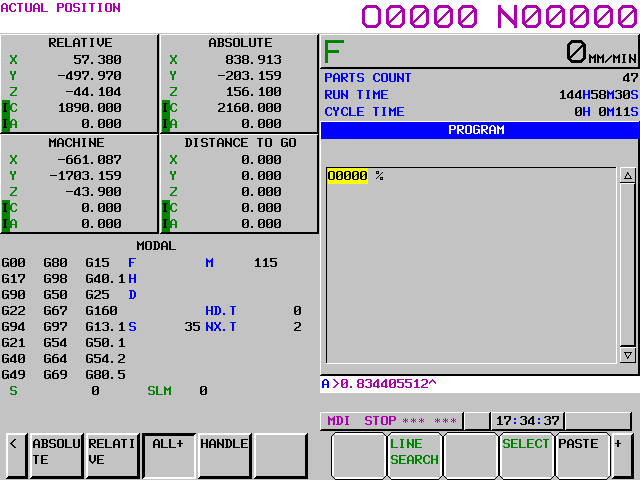
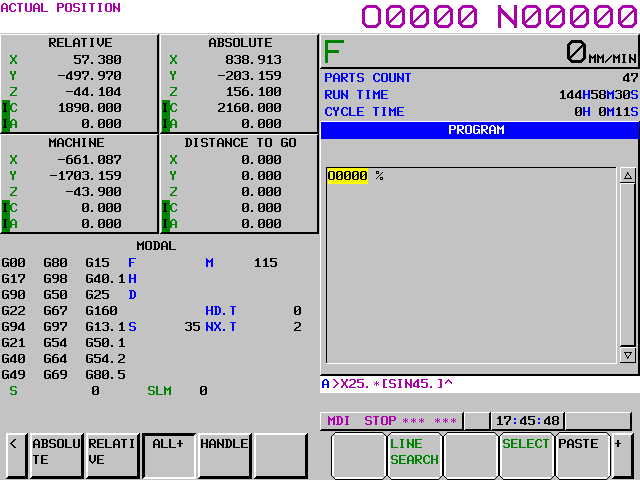
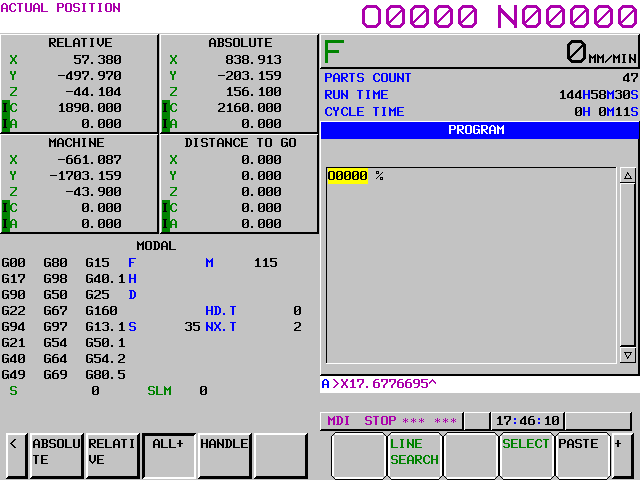
- Press Q-TYPE the machine will jump to this line and the following screen will show.
- Your sequence number is searched for and this screen will show you where your machine is going
 and the
- Turn off Program Restart. (Distance to go will flash)
- Go to MDI and get the correct tool then start the spindle at the correct speed. Issue M8 if you need coolant on. (The tool number and recent M codes are all shown on the screen above)
- Go back to AUTO or MEMORY mode.
- With the machine in SINGLE BLOCK each time you press cycle start the axis will move to position in the order shown on the screen. Use feed controller to position axis.

10. You are allowed to manually move the axis before continuing if a collision is suspected.
11. Once each axis is in its final position the program runs normally from this point.
Advice (Program Restart)
If you got it use it.
Oh and keep using it.
It will become simple.
Confession
I’d forgotten about this and it’s definitely not as scary as I remembered. Maybe I got smarter in my old age.
It is a very underused function if I had a machine with it on it would definitely be in my digital toolbox.
You Can really Impress the Boss With this One
Fetch him over for a demo but make sure you know what you are doing first just in case you fuck it up.
If you have been affected by any of the issues in this post or need CNC Counselling then contact me.
If you want to learn to program CNC Milling Machines
Look no further Contact CNC Training Centre