

How to Make a Program Active Fanuc 0i-TF
Category : New Stuff

CNC Training Call David: 07834 858 407

30 five star ratings on Google (just saying)
Why do You Make a Program Active Fanuc 0i-TF?
In order to run or edit a program on a Fanuc control you first need to make it active. On a Fanuc control you are editing in real time so you don’t need to save your work. Unfortunately any edits you make are permanent.
You will need your keyswitch in the on position to allow any kind of editing
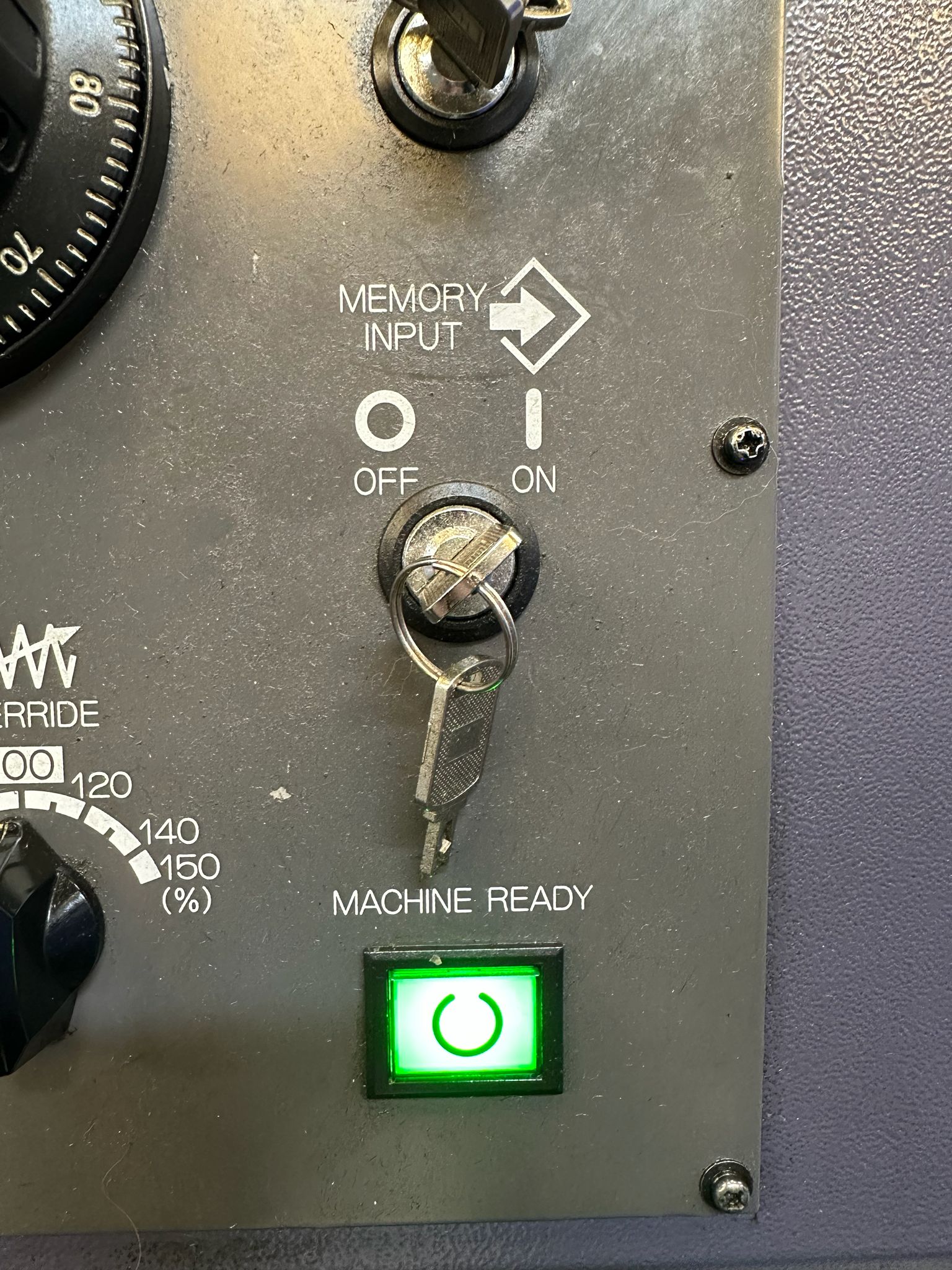
In the off position below you will not be allowed to edit
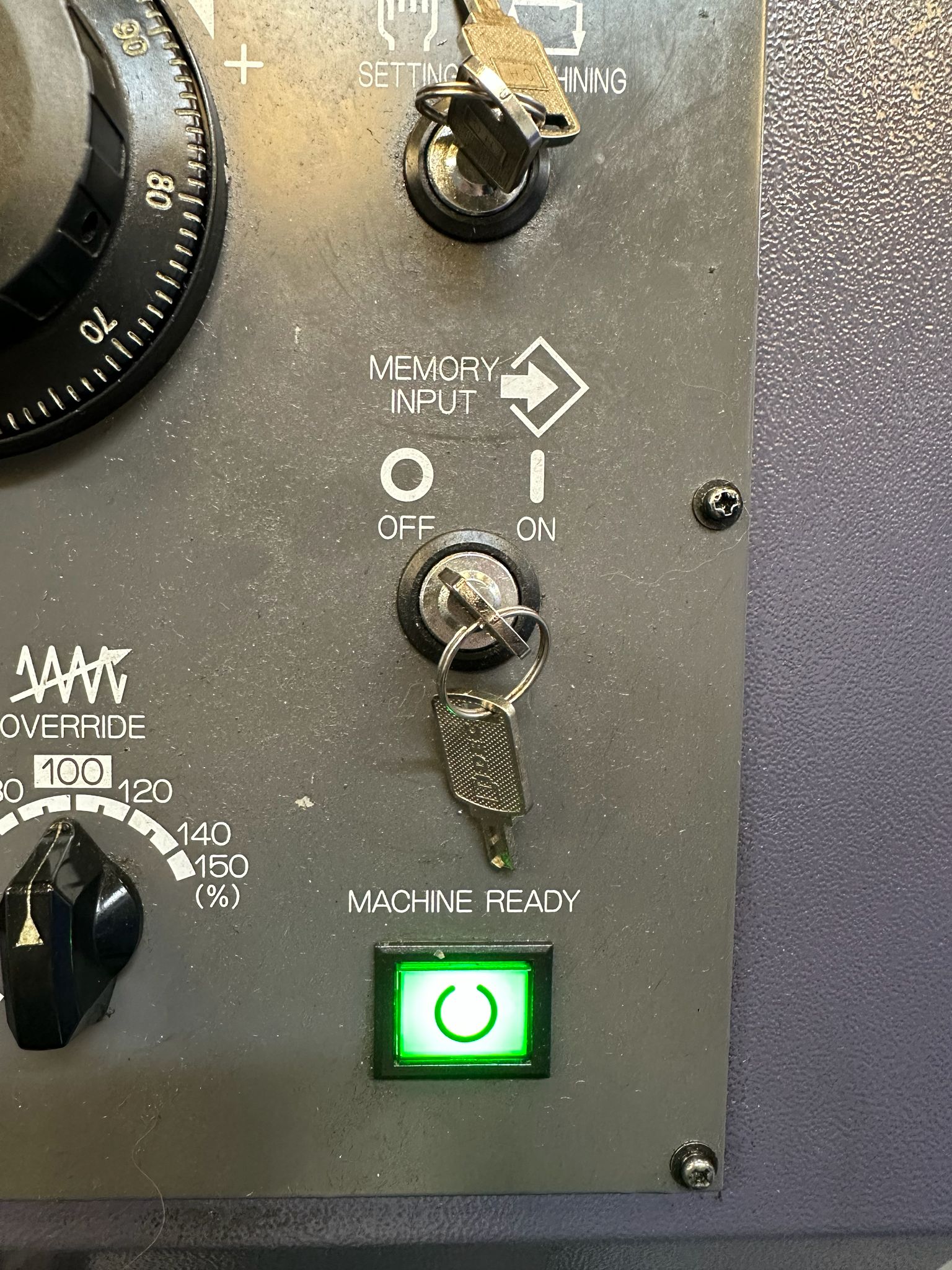
This step-by-step guide shows how to Make a Program Active Fanuc 0i-TF control, specifically on a **Star SB-20R Type G** sliding head lathe, which uses a dual-path (two-channel) setup.
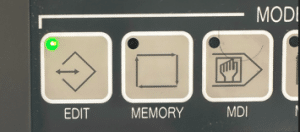
First of all you need to be in the EDIT mode.
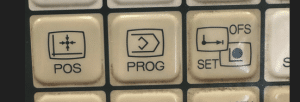
Press PROG to view your program.
How to Make a Program Active Fanuc 0i-TF
Now press FOLDER to see a list of programs.
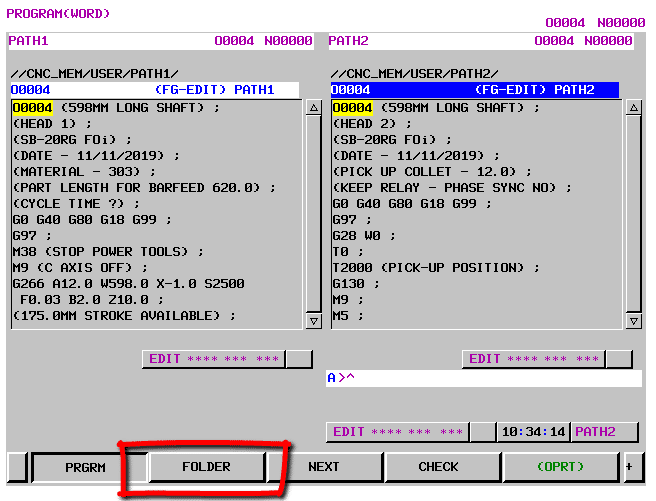
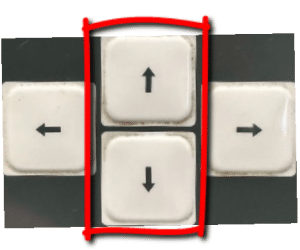
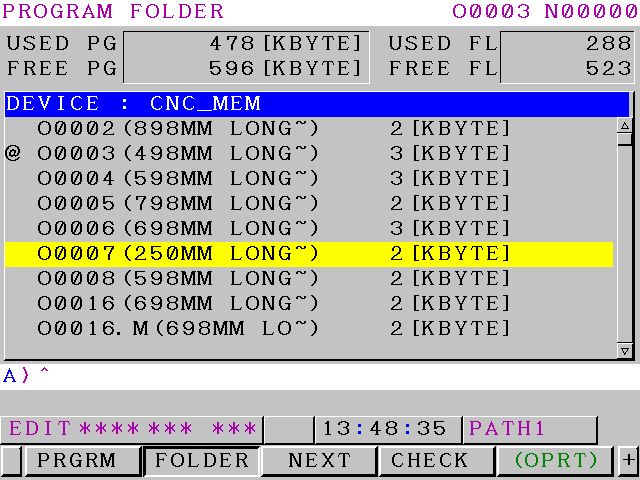
Use your cursor to move down to your program.
Press the OPRT for more options
Now press MAIN to make your program active
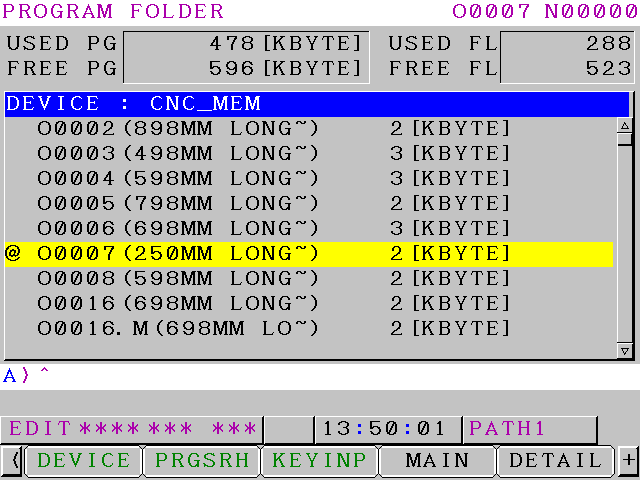
The @ or “at” symbol means this is the active program. Program O0007 is now your active program.
Another way is to type in the number of the program you want to make active O3 or O0003 for program 3
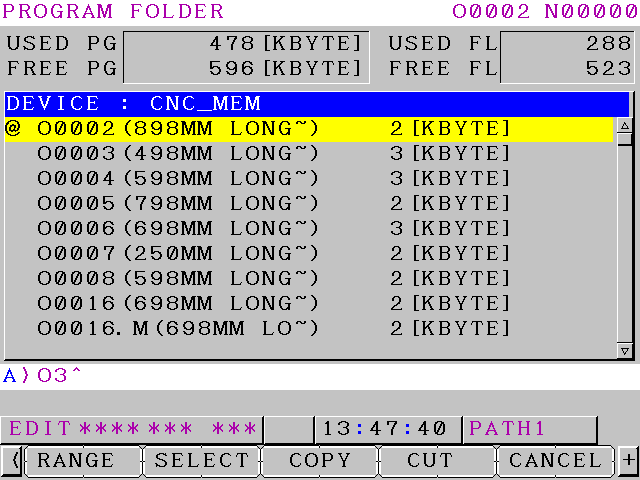
Press your lower or upper arrow keys and this will become active
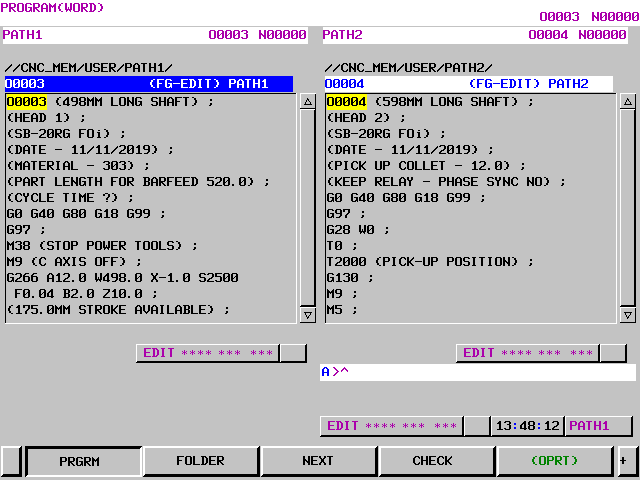
Program 3 will now be displayed and is your active program.
Learn loads more Fanuc stuff on this website